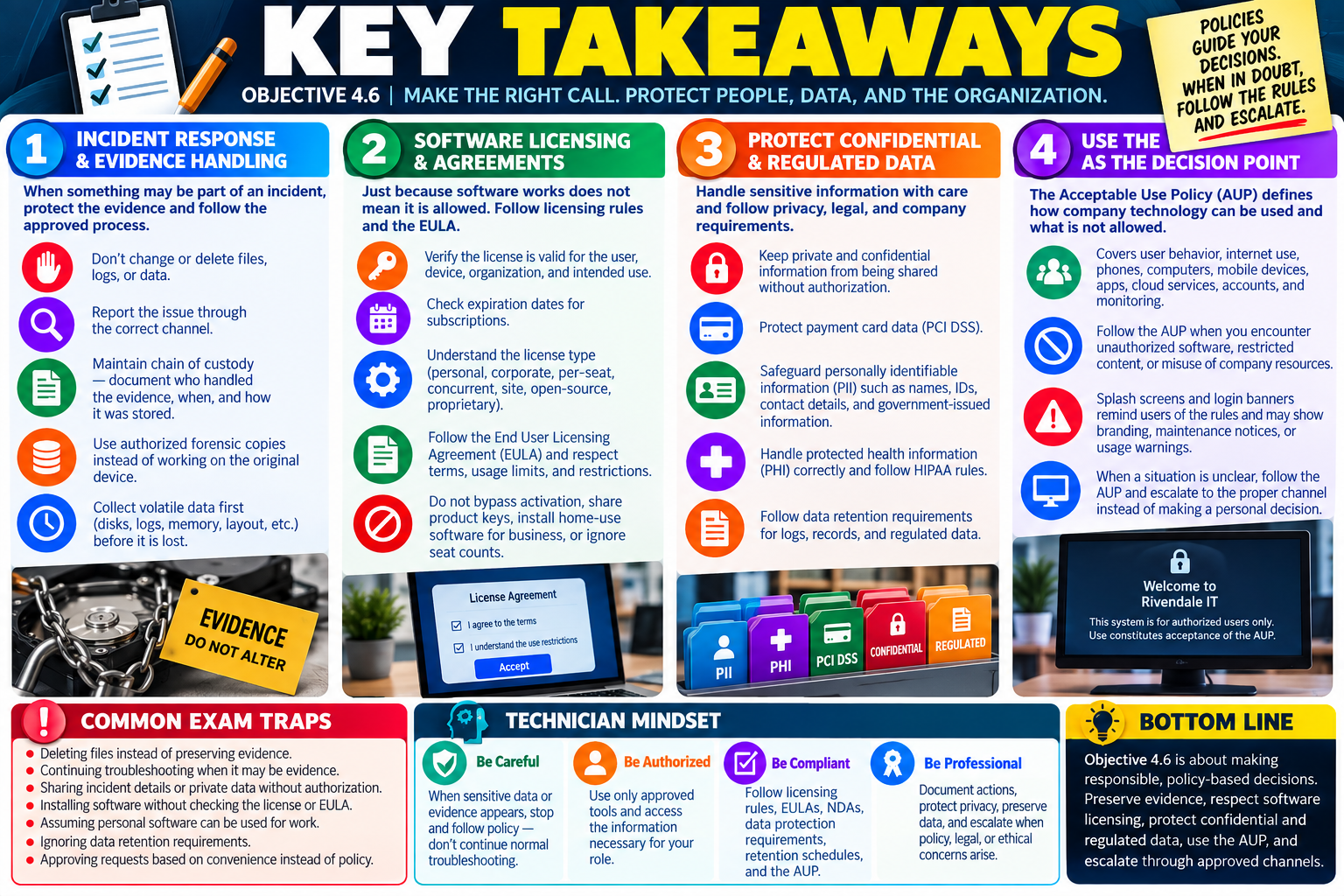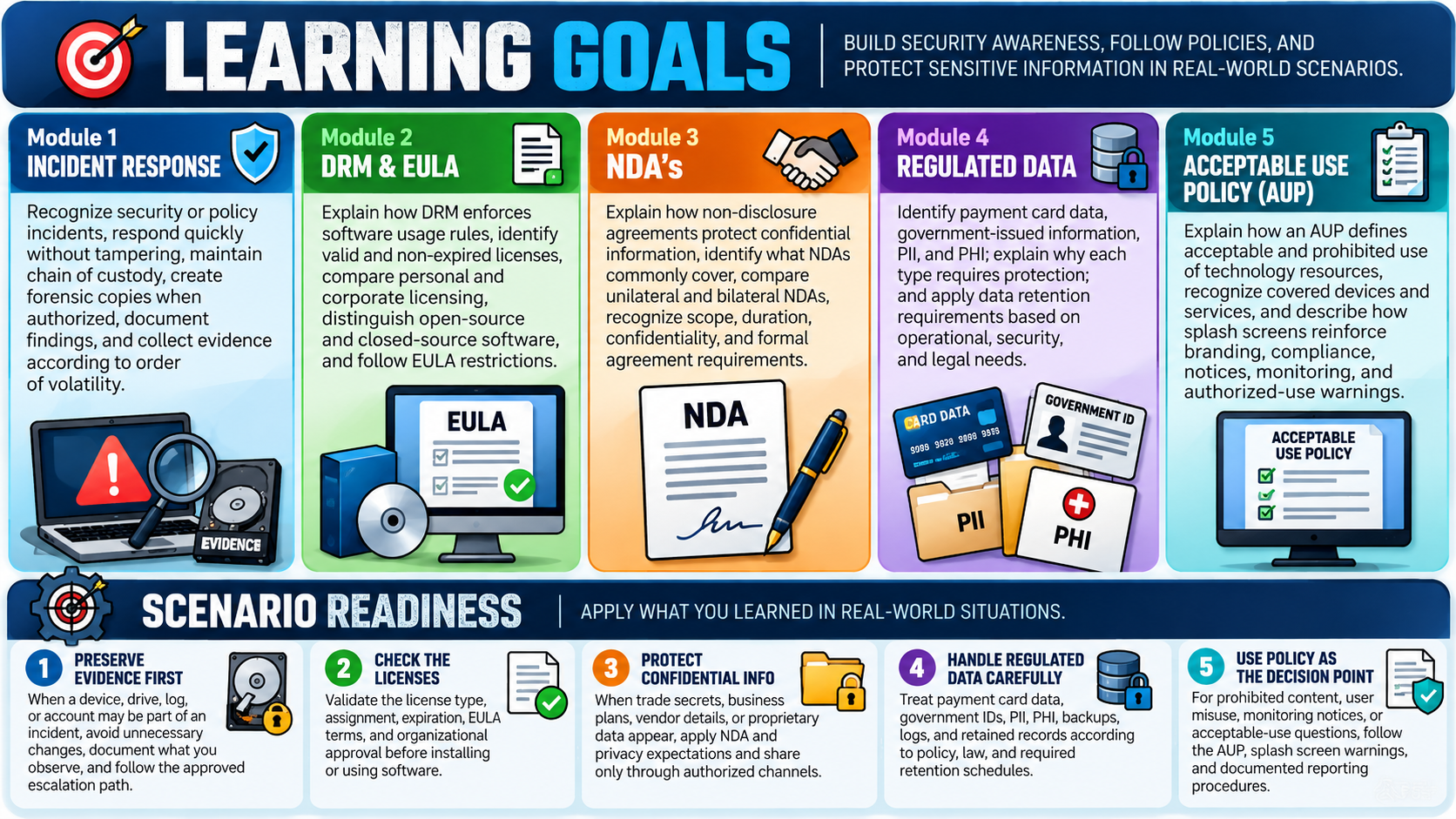
Module 1 - Incident Response
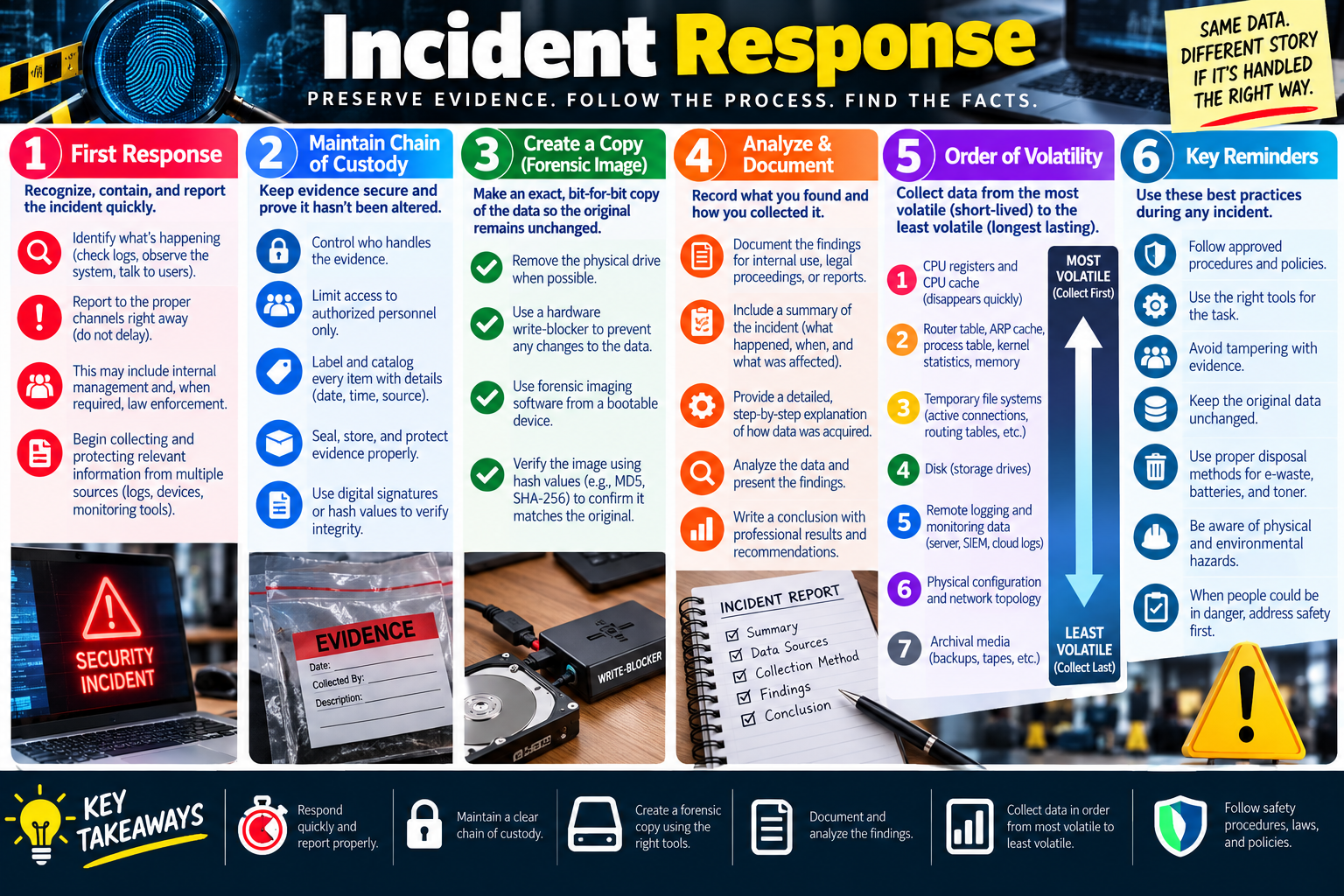
Incident response is the structured process used to recognize a security or policy incident, protect people and systems, preserve evidence, document what happened, and report through the proper channels.
For Objective 4.6, incident response connects directly to prohibited content, privacy, licensing, and policy concepts because a technician may discover sensitive data, unauthorized software, suspicious activity, or content that violates law or company policy while performing normal support work. The technician's job is not to investigate beyond their role or make assumptions. The job is to respond quickly, avoid damaging evidence, follow policy, and escalate to the correct people.
A good incident response process protects the organization in two ways. First, it reduces harm by containing the situation and getting the right teams involved. Second, it preserves trustworthy information so management, security, legal staff, law enforcement, or other authorized responders can understand what happened. Same data, different story if it is handled the wrong way.
First Response
The first response is about recognizing, containing, and reporting the incident quickly. A technician may notice unusual logs, a suspicious file, malware behavior, unauthorized access, prohibited content, a licensing violation, or a device that may contain evidence. At that moment, the priority is to avoid making the situation worse.
Do not delete files, browse through private data, run unnecessary scans, power systems on and off repeatedly, or start making unapproved changes. Those actions can alter timestamps, overwrite temporary evidence, expose private information, or interfere with an investigation. Instead, observe the condition, record what you can see, protect the system from further disturbance, and report through the approved channel.
- Identify what is happening. Check obvious indicators such as alerts, logs, user reports, system behavior, and affected devices.
- Report immediately. Notify the proper internal channel, supervisor, security team, or escalation path according to policy.
- Contain without tampering. Follow approved steps to prevent further harm while avoiding unnecessary changes to evidence.
- Protect relevant information. Preserve logs, devices, screenshots, notes, monitoring data, and other sources that may matter.
Maintain Chain of Custody
Chain of custody is the documented record of who handled evidence, when they handled it, where it was stored, and what was done with it. It matters because evidence is only useful if it can be trusted. If a device, drive, log file, or document changes hands without tracking, someone may later question whether it was altered, lost, contaminated, or accessed by unauthorized people.
In an IT support scenario, chain of custody may apply to a hard drive, workstation, mobile device, USB drive, printed document, log export, image file, or other evidence. The technician should limit access to authorized personnel, label and catalog each item, protect it from damage or tampering, and record important details such as date, time, source, collector, and description.
Create a Copy or Forensic Image
When a storage device may contain evidence, investigators usually work from a forensic copy instead of the original. A forensic image is an exact, bit-for-bit copy of the data. The goal is to preserve the original device in its unchanged state while allowing authorized analysis to happen on the copy.
If possible and allowed by procedure, the physical drive may be removed and connected through a hardware write blocker. A write blocker allows data to be read while preventing changes from being written back to the original drive. Forensic imaging software, often run from a trusted bootable device or forensic workstation, creates the copy. After imaging, hash values such as MD5, SHA-256, or another approved method can verify that the image matches the original.
This is not the same as a normal file copy. A normal copy may miss deleted data, slack space, metadata, hidden areas, or system artifacts. A forensic image is designed for evidence preservation and later analysis.
Analyze and Document
Documentation turns incident response into a defensible process. A technician should record what was found, when it was found, who was involved, what systems or users were affected, what tools were used, what steps were taken, and what the result was. Documentation may be needed for internal review, legal proceedings, compliance reporting, insurance, management decisions, or future prevention.
Good documentation is factual and professional. It should avoid guesses, emotional language, or unsupported conclusions. Instead of writing that a user was careless, document the observable facts: what alert appeared, what file was found, what system was affected, what policy was triggered, what time the event occurred, and who was notified.
- Summarize the incident. Describe what happened, when it was discovered, and what was affected.
- Record the collection method. Include how data was acquired, which tools were used, and who performed the action.
- Analyze the data appropriately. Present findings through the proper channel without exposing private or sensitive information unnecessarily.
- Write a conclusion. Include professional results, recommendations, and follow-up actions when required.
Order of Volatility
Order of volatility describes the order in which evidence should be collected based on how quickly it can disappear. The most volatile data is short-lived and should be collected first when policy and authorization allow. Less volatile data lasts longer and can be collected later.
For example, CPU registers and cache disappear very quickly. Memory contents, routing tables, ARP cache, process tables, kernel statistics, and temporary file systems can change rapidly as the system runs. Disk data usually lasts longer, remote logs may be retained on monitoring systems, physical configuration can be recorded after volatile data, and archival media such as backups and tapes are typically the least volatile.
- CPU registers and CPU cache: Most volatile and disappears quickly.
- Routing tables, ARP cache, process tables, kernel statistics, and memory: Changes as the system runs.
- Temporary file systems: Includes active connections, routing tables, and temporary artifacts.
- Disk storage: Longer lasting than live memory, but still must be protected from alteration.
- Remote logging and monitoring data: Server, SIEM, cloud, firewall, or other retained logs.
- Physical configuration and network topology: Document device placement, cabling, connections, and layout.
- Archival media: Backups, tapes, and long-term stored evidence are collected last.
Key Reminders for Technicians
Incident response is not about heroics. It is about disciplined action. Follow approved procedures, use the right tools, avoid tampering with evidence, keep original data unchanged, protect privacy, and escalate when the incident involves prohibited content, safety risk, legal concerns, or sensitive information.
If people could be in danger, address safety first. If the issue may involve law enforcement, illegal content, regulated data, or serious policy violations, stop normal troubleshooting and follow the organization's incident response process. The safest technician is the one who knows when to preserve, document, and escalate.
Exam Mindset
If a scenario mentions evidence, prohibited content, possible criminal activity, a drive that may be investigated, or sensitive incident data, choose the answer that preserves evidence and follows policy. Avoid answers that delete data, keep troubleshooting casually, share private information, or make unapproved changes to the original device.
Bottom line: Respond quickly, preserve evidence, maintain chain of custody, create forensic copies with the right tools, document findings professionally, and collect evidence from most volatile to least volatile when authorized.