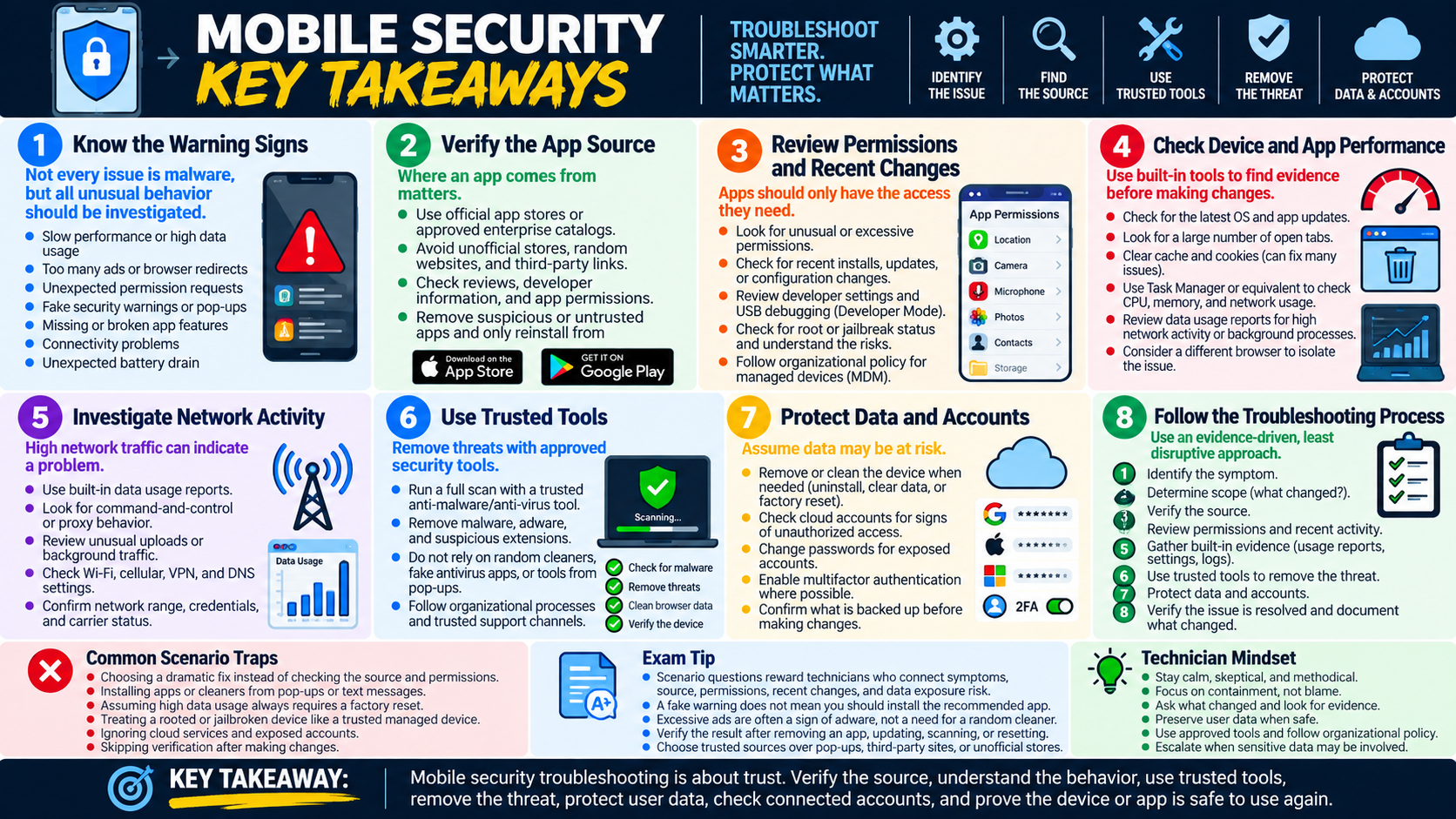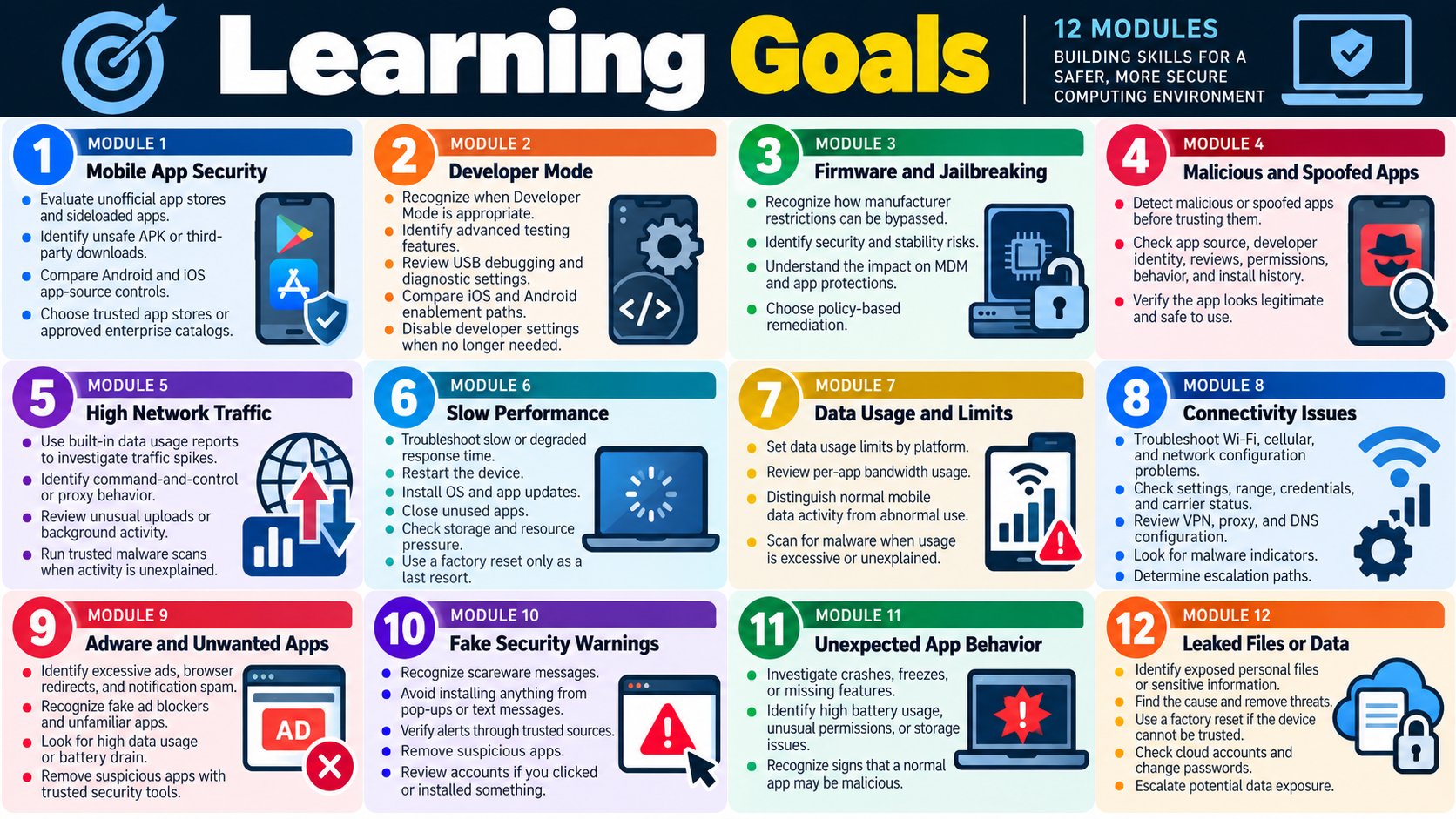
Module 1 - App Security: Unofficial App Store
Unofficial app stores and sideloaded apps are a major mobile security risk because they bypass the review, reputation, update, and policy controls that normally help protect a device.
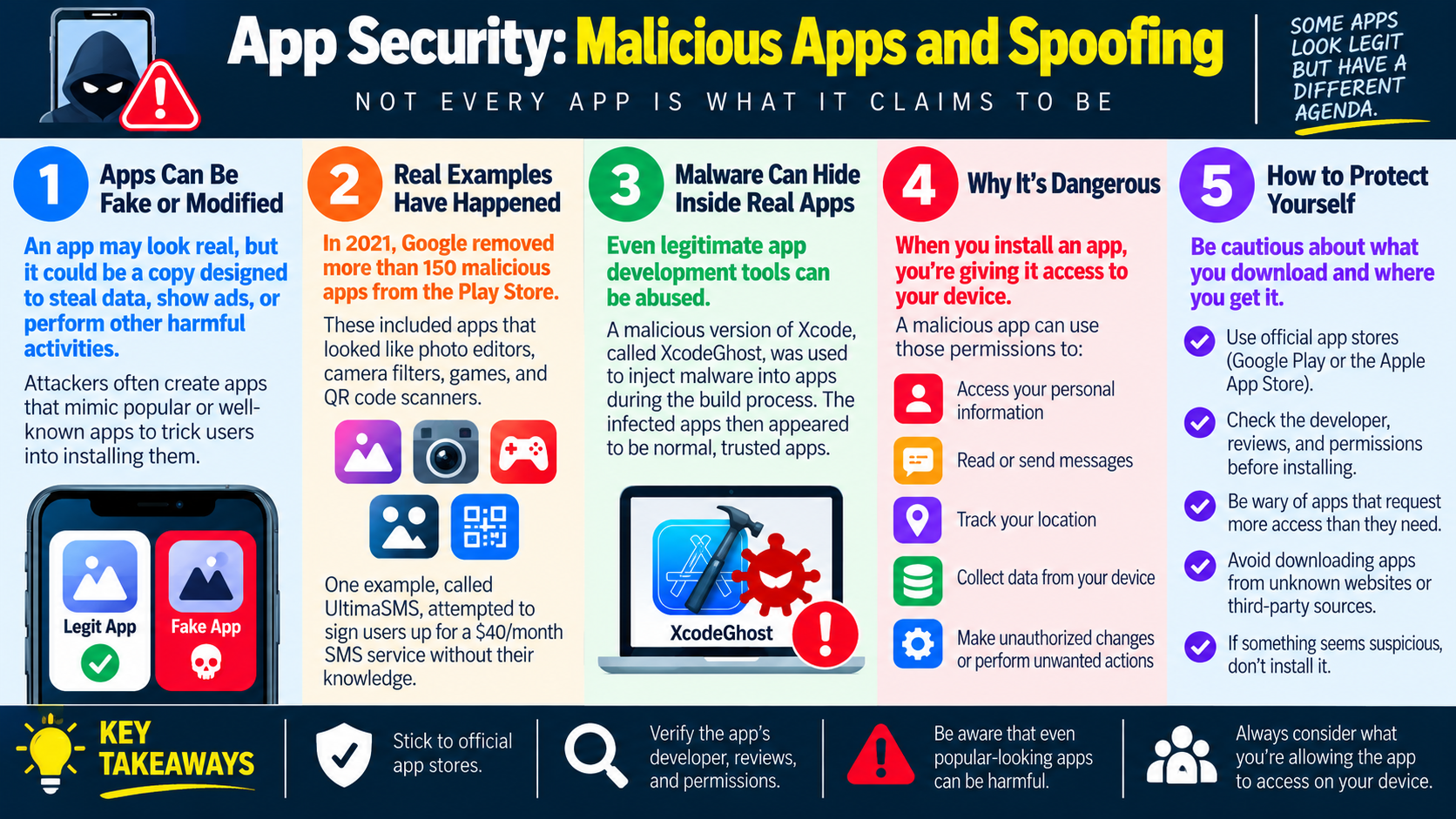
Mobile devices often hold contacts, photos, messages, location history, saved passwords, work email, payment apps, authentication apps, and cloud file access. Because of that, installing an app is not a small decision. A malicious app may look useful, entertaining, or even familiar, but once installed it may request permissions, run in the background, collect data, track activity, display fake warnings, or change device behavior.
The safest troubleshooting mindset is simple: treat the app source as part of the security check. If the app came from an official store, a trusted enterprise catalog, or another approved source, risk is reduced. If it came from an unknown website, a link in a message, an unofficial app store, or a manually downloaded APK file, the app should be treated as suspicious until proven otherwise.
Why Unofficial App Stores Are Risky
An official app store does not make every app perfect, but it does add layers of control. Store operators can review apps, remove known malicious software, scan packages, enforce developer requirements, deliver updates, and provide a path for reporting abuse. Unofficial stores may not apply the same review process, may host modified apps, or may distribute apps that impersonate legitimate software.
Attackers often use unofficial app sources because users are intentionally stepping outside normal protections. The app may be advertised as a free version of a paid app, an early release, a cracked utility, a game mod, a security tool, or a required update. These claims can be convincing, especially when the website or message uses familiar logos. The technician should focus on the source, permissions, behavior, and timeline rather than trusting the app's name or icon.
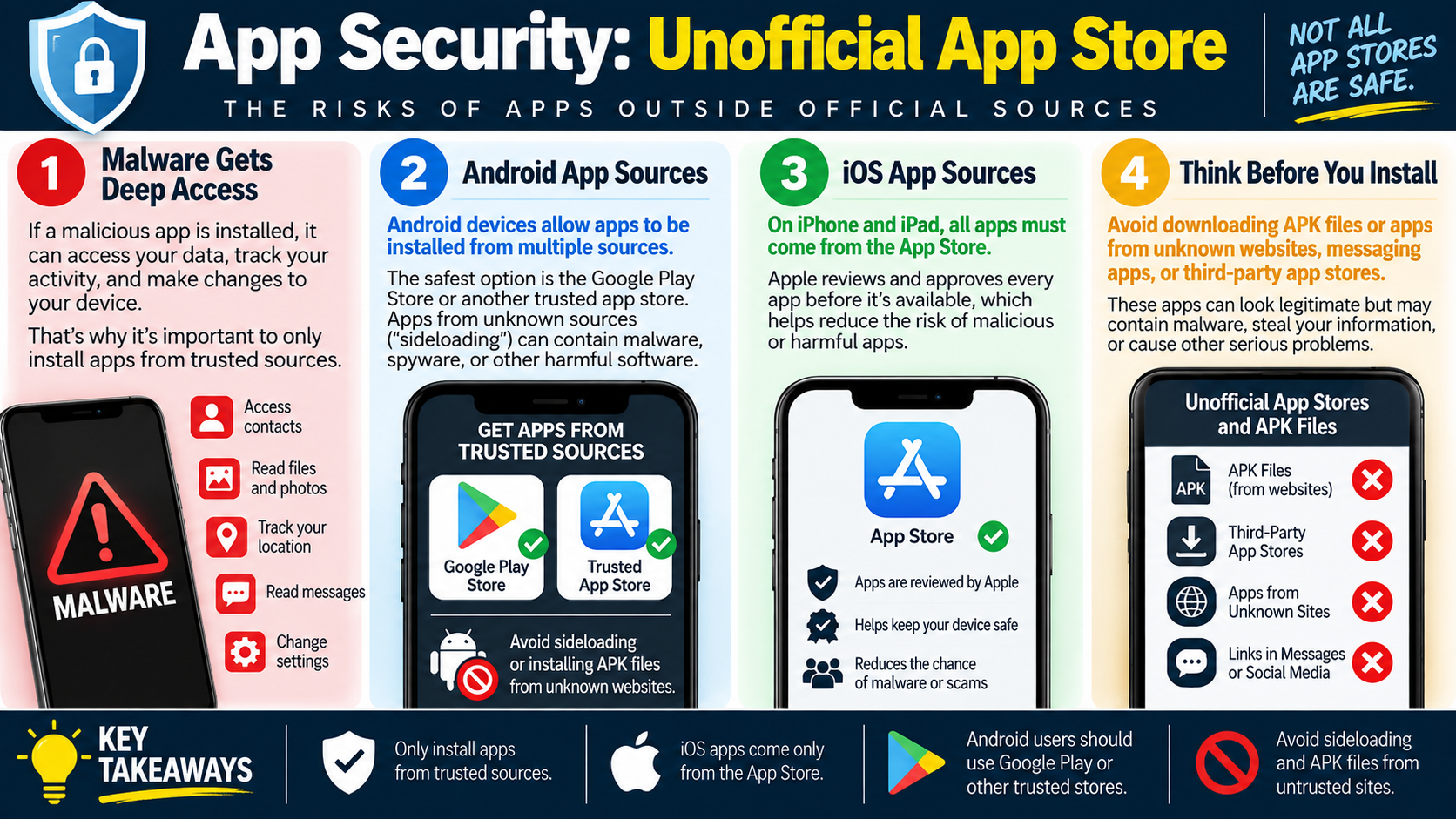
Malware Can Get Deep Access
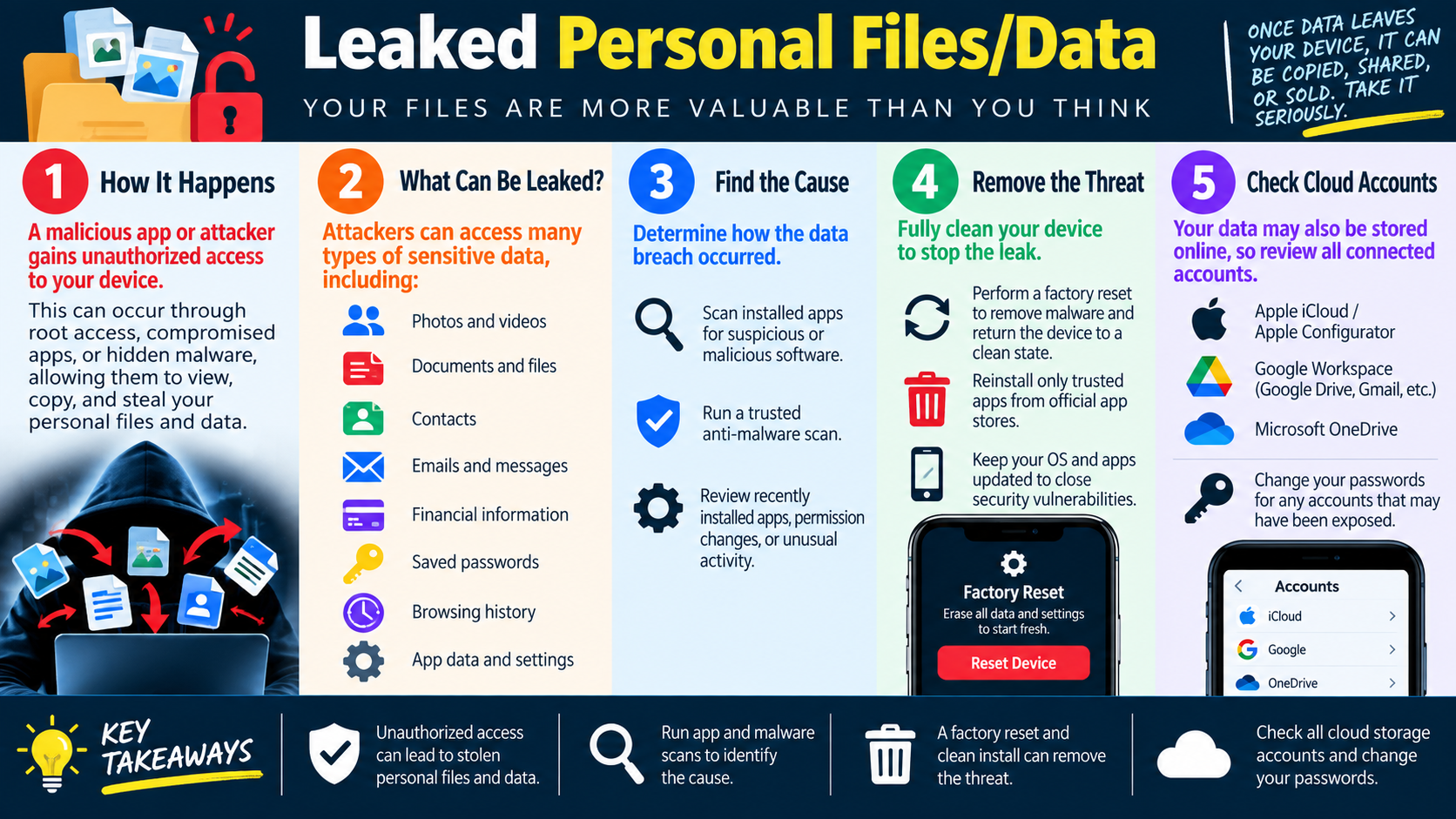
Once installed, a malicious mobile app can request access to sensitive device features. Depending on the operating system, permission model, and user approval, it may attempt to read contacts, view photos and files, track location, read or intercept messages, show overlays, send notifications, change settings, or communicate with external servers. Even when the operating system limits app access, a user who grants permissions can still expose private data.
This is why unexpected permission requests matter. A flashlight, wallpaper, calculator, or simple game should not normally need contacts, SMS, microphone, accessibility control, location, notification control, or device administration privileges. When the requested access does not match the app's purpose, stop and investigate before allowing it.
Android App Sources
Android devices can install apps from Google Play and may also allow installation from other sources when settings permit it. This flexibility can be useful in enterprise, testing, and specialized environments, but it also creates risk. Sideloading APK files from unknown websites can introduce malware, spyware, adware, credential theft, or apps that are difficult to update safely.
The safest approach for Android is to use Google Play or another trusted, approved store. In a business environment, that may mean a managed app catalog or mobile device management portal. If sideloading is required for a legitimate reason, verify the source, confirm the file is expected, follow organizational policy, and avoid granting unnecessary permissions. For normal users, APK files from random websites should be avoided.
iOS App Sources
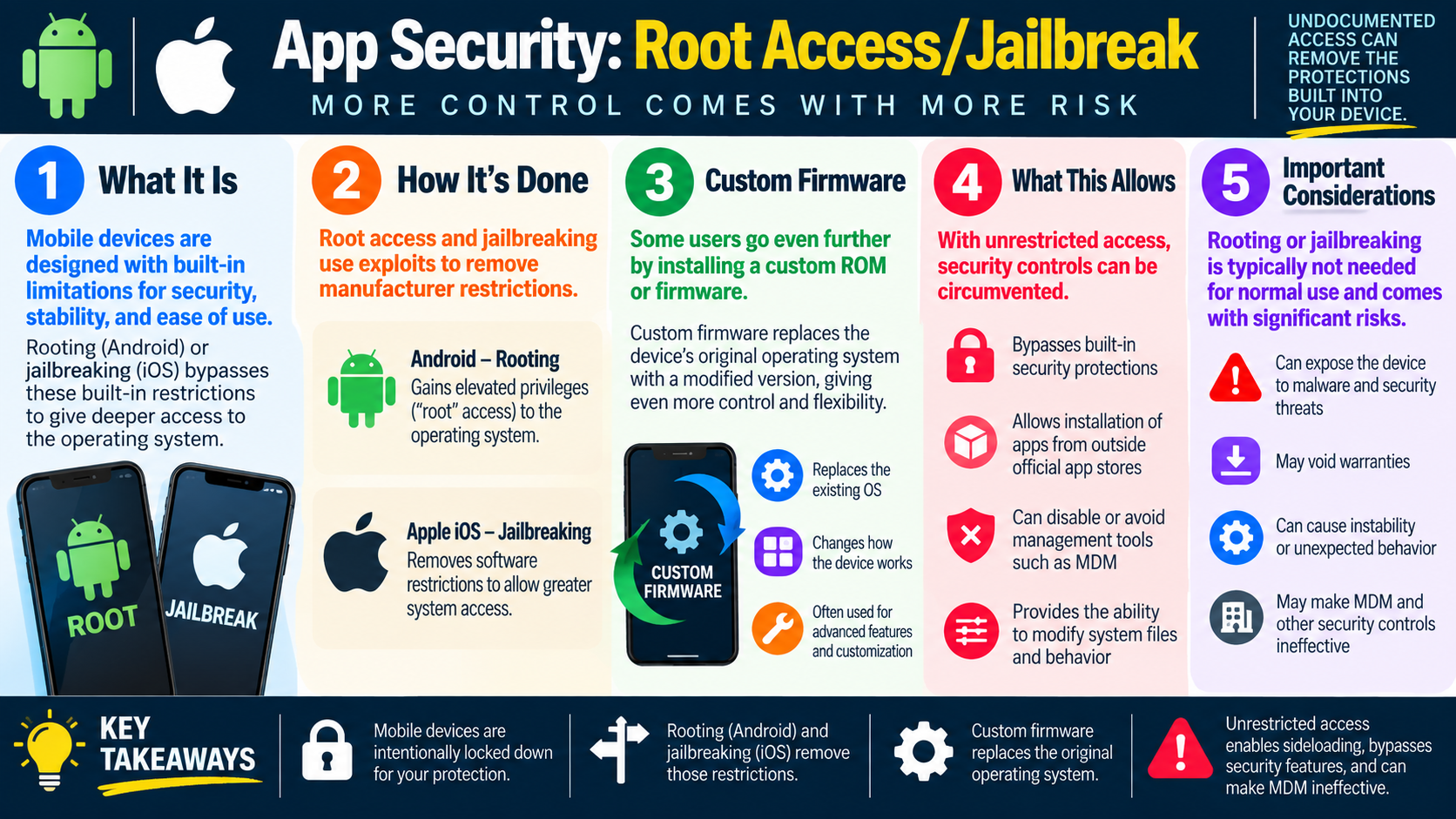
On iPhone and iPad, apps normally come from the Apple App Store. Apple's review process, signing requirements, and platform controls reduce the chance that a user will install malicious or unapproved software. This is one reason jailbroken devices or devices using unusual installation methods are a security concern: they may bypass protections that the platform expects to be present.
For troubleshooting and exam scenarios, remember the platform difference. Android may allow more flexible app sources, so you should check whether unknown-source installation or APK sideloading is involved. iOS is more tightly controlled, so an app outside the normal App Store path, a jailbroken device, or an unusual provisioning method should raise concern.
Think Before You Install
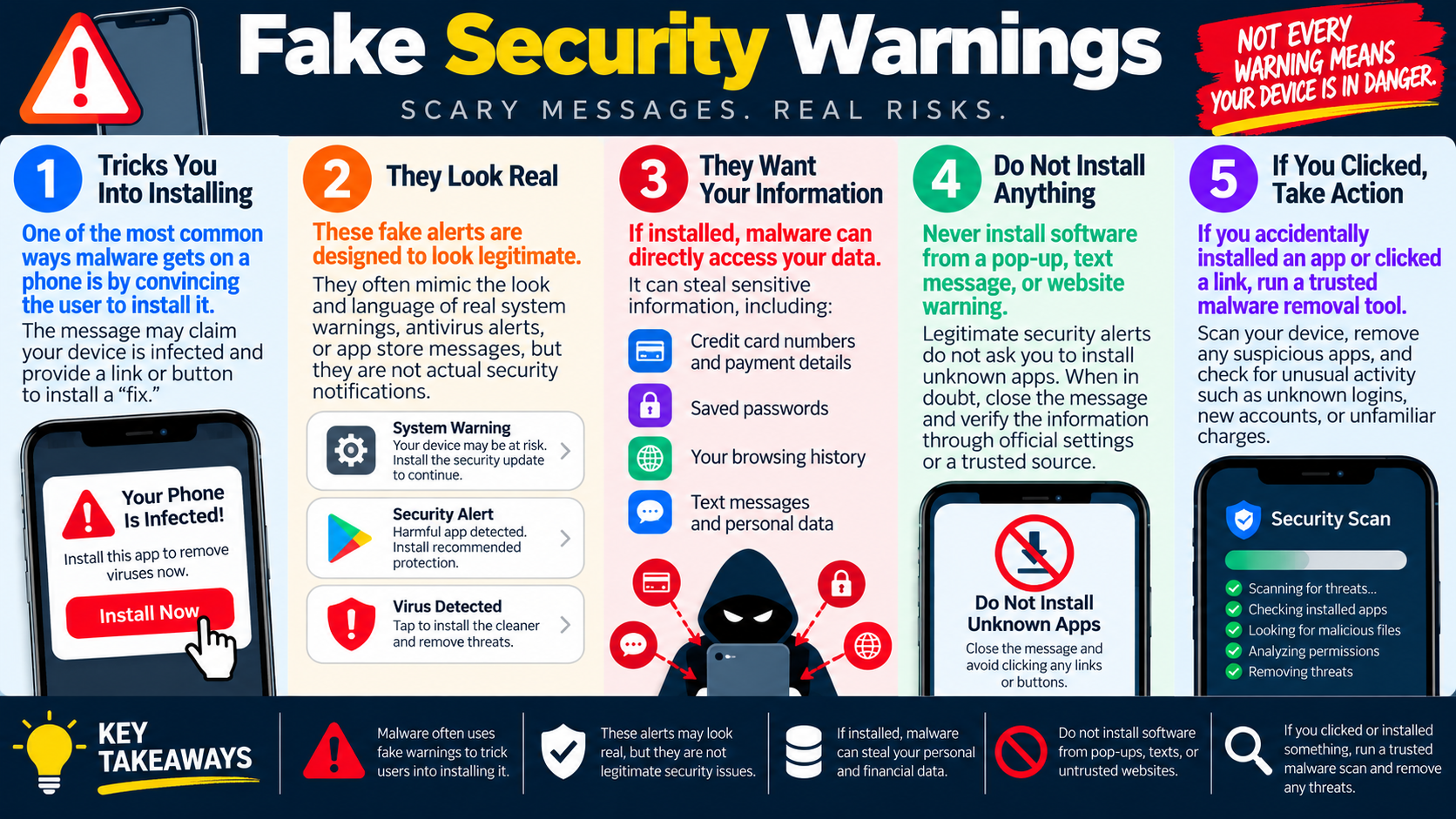
Users should avoid APK files, unofficial app stores, links in messages, social media download links, and websites claiming to provide apps that are not available through normal channels. A malicious download may promise extra features, free access, a required update, or an urgent security fix. These are common social engineering hooks.
Before installing any mobile app, ask a few quick questions: Is this the official app? Is the source trusted? Does the developer name match? Are the reviews and install count believable? Does the app request permissions that fit its purpose? Is the device managed by an organization with an approved app list? If the answer is unclear, do not install the app until the source can be verified.
Technician Response
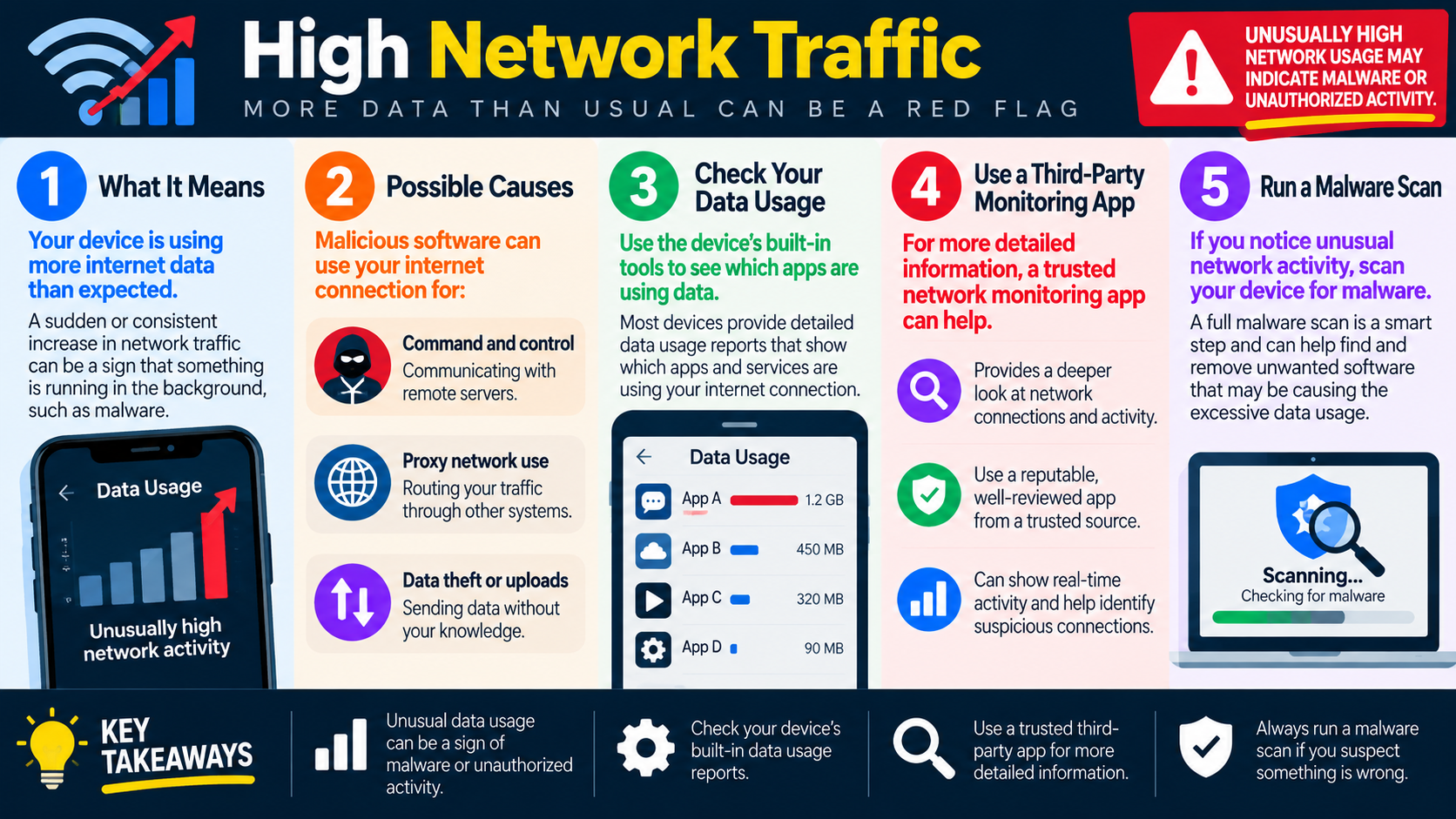
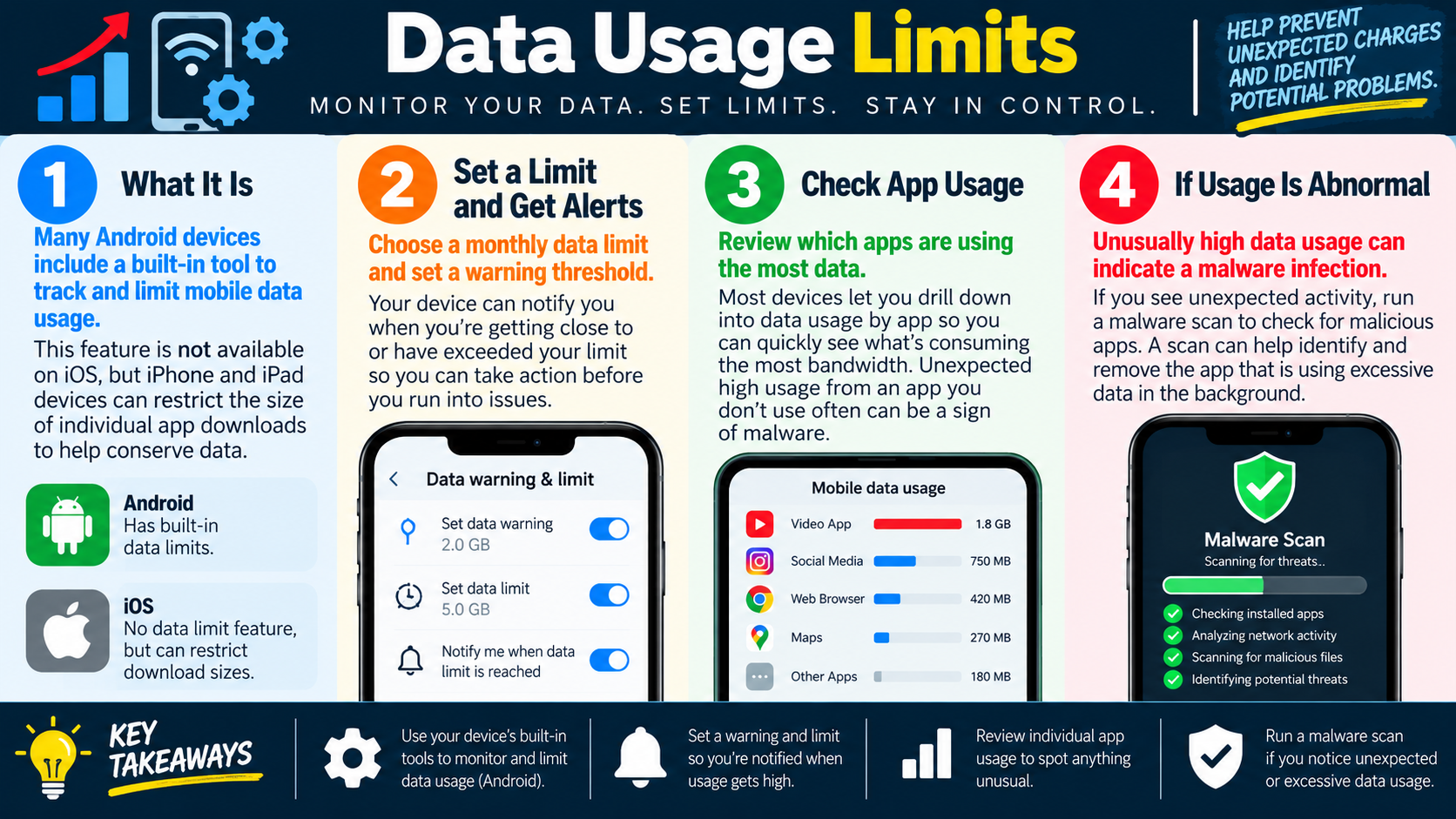
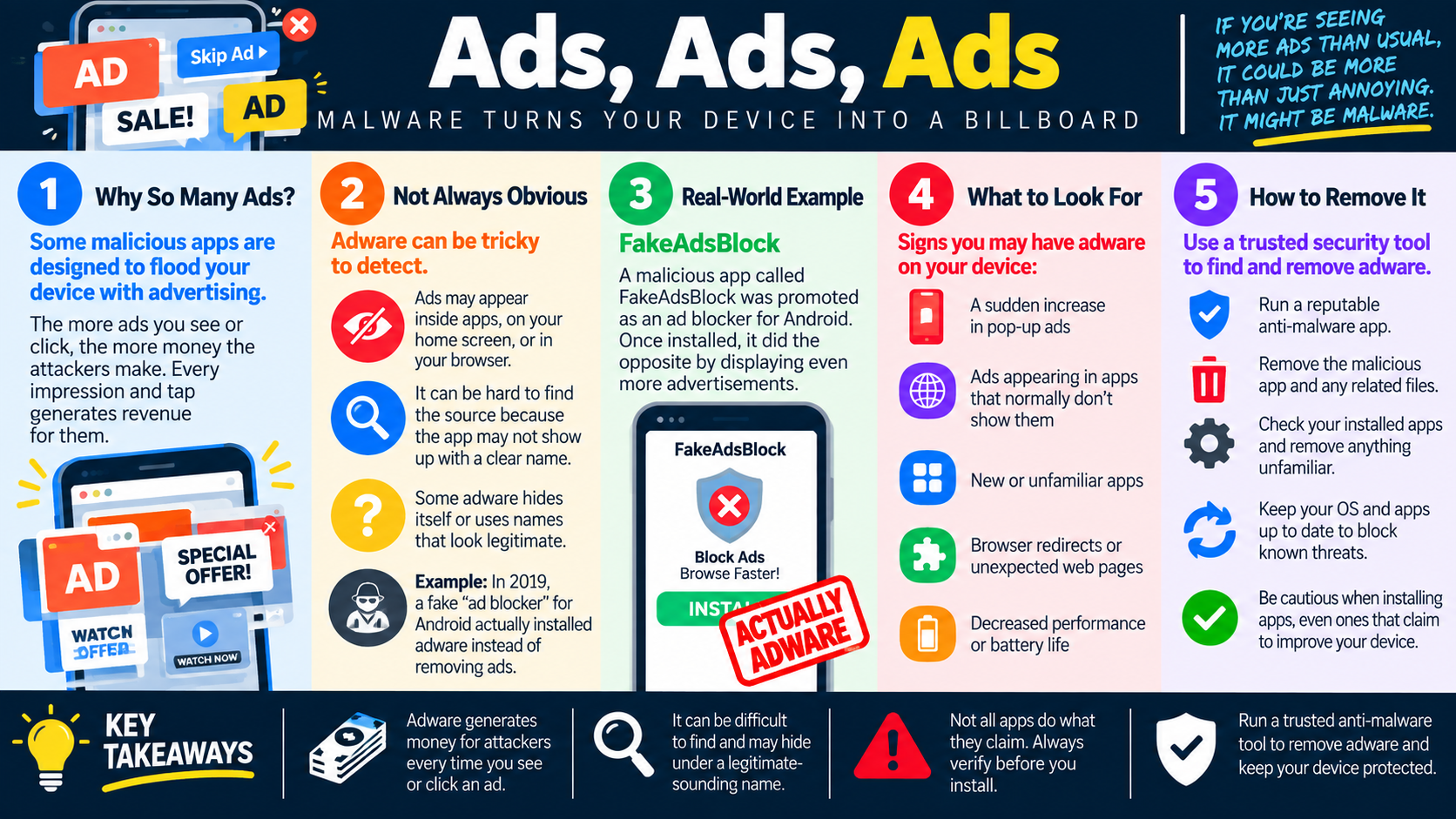
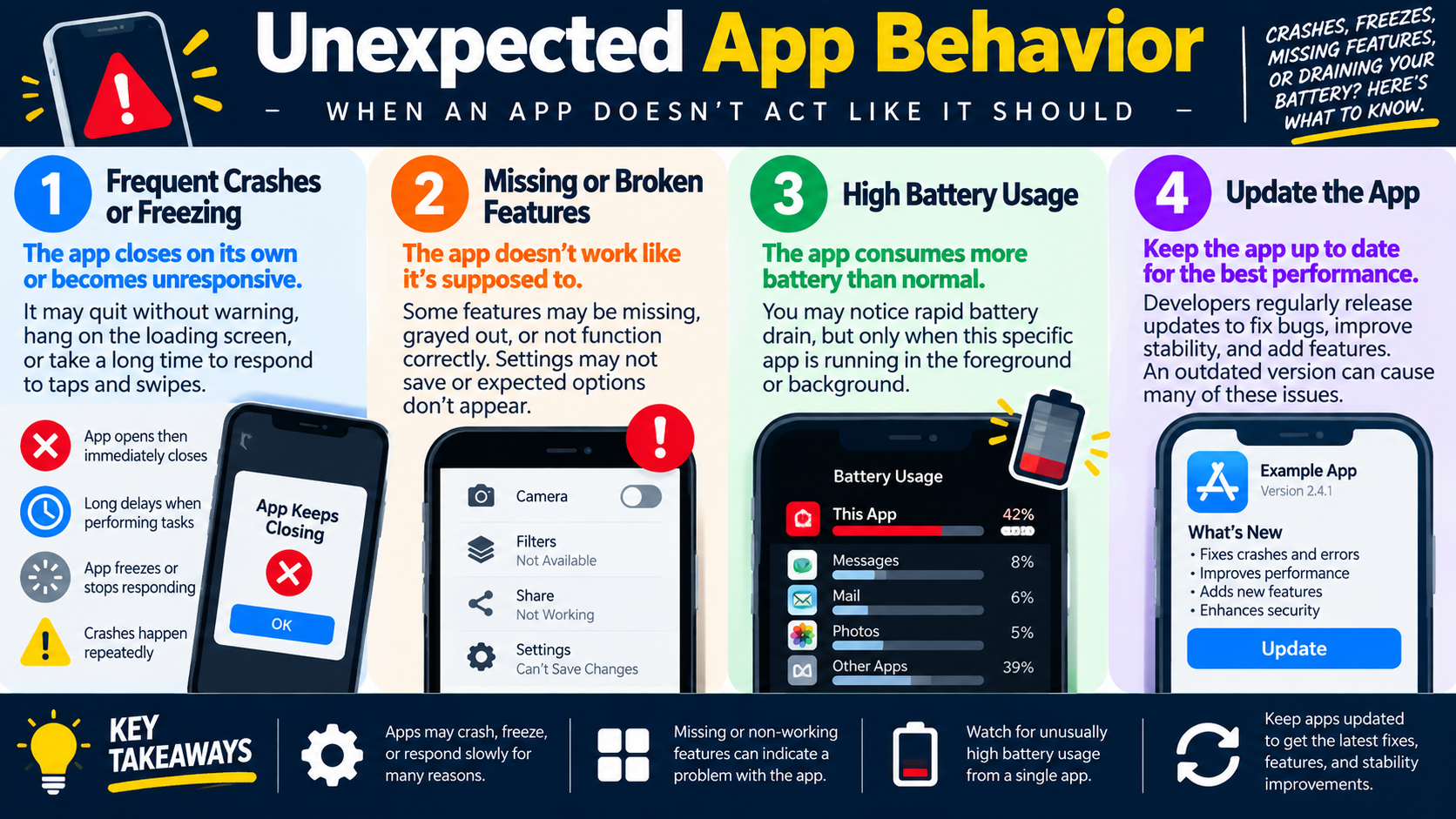
If a user already installed an app from an unofficial source, start by gathering evidence. Identify the app name, source, install time, requested permissions, symptoms, and whether sensitive accounts were used after installation. Look for unusual behavior such as high data usage, pop-ups, fake security warnings, battery drain, unexpected notifications, new device administrator settings, or apps that cannot be removed normally.
- Remove suspicious apps using the normal uninstall process when possible.
- Revoke risky permissions and disable unknown-source installation settings.
- Update the operating system and trusted security tools.
- Review accounts used on the device and consider password changes if data exposure is possible.
- Back up important user data before destructive actions when it is safe to do so.
- Escalate, wipe, or reset the device when malware behavior continues or organizational policy requires it.
Exam Cues
On the exam, watch for phrases such as APK file, unknown website, third-party app store, link in a message, jailbroken, rooted, fake security warning, unexpected permissions, or apps from outside the official store. These clues point toward mobile security risk, not just an app install problem.