Module 1 - Data at Rest Encryption
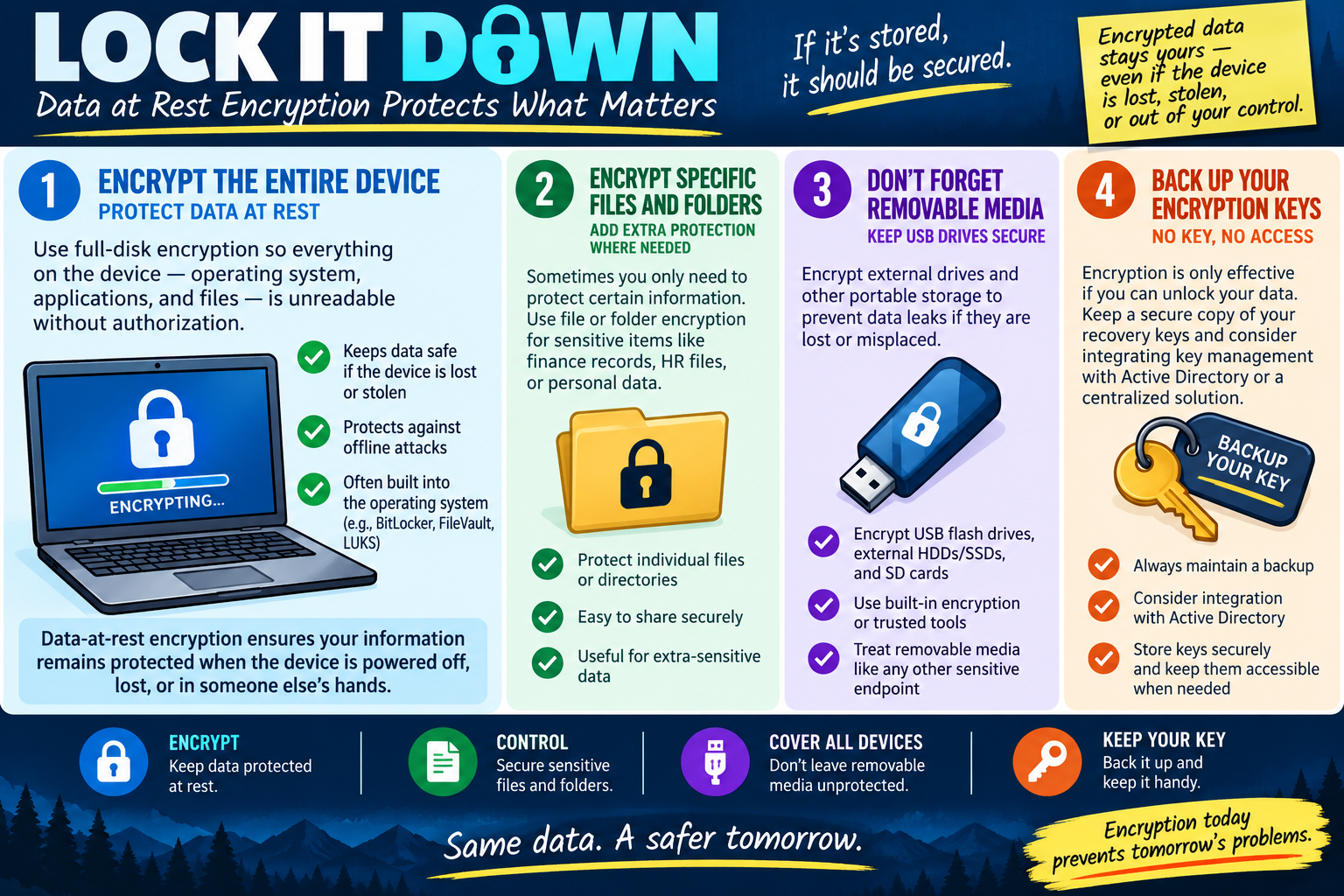
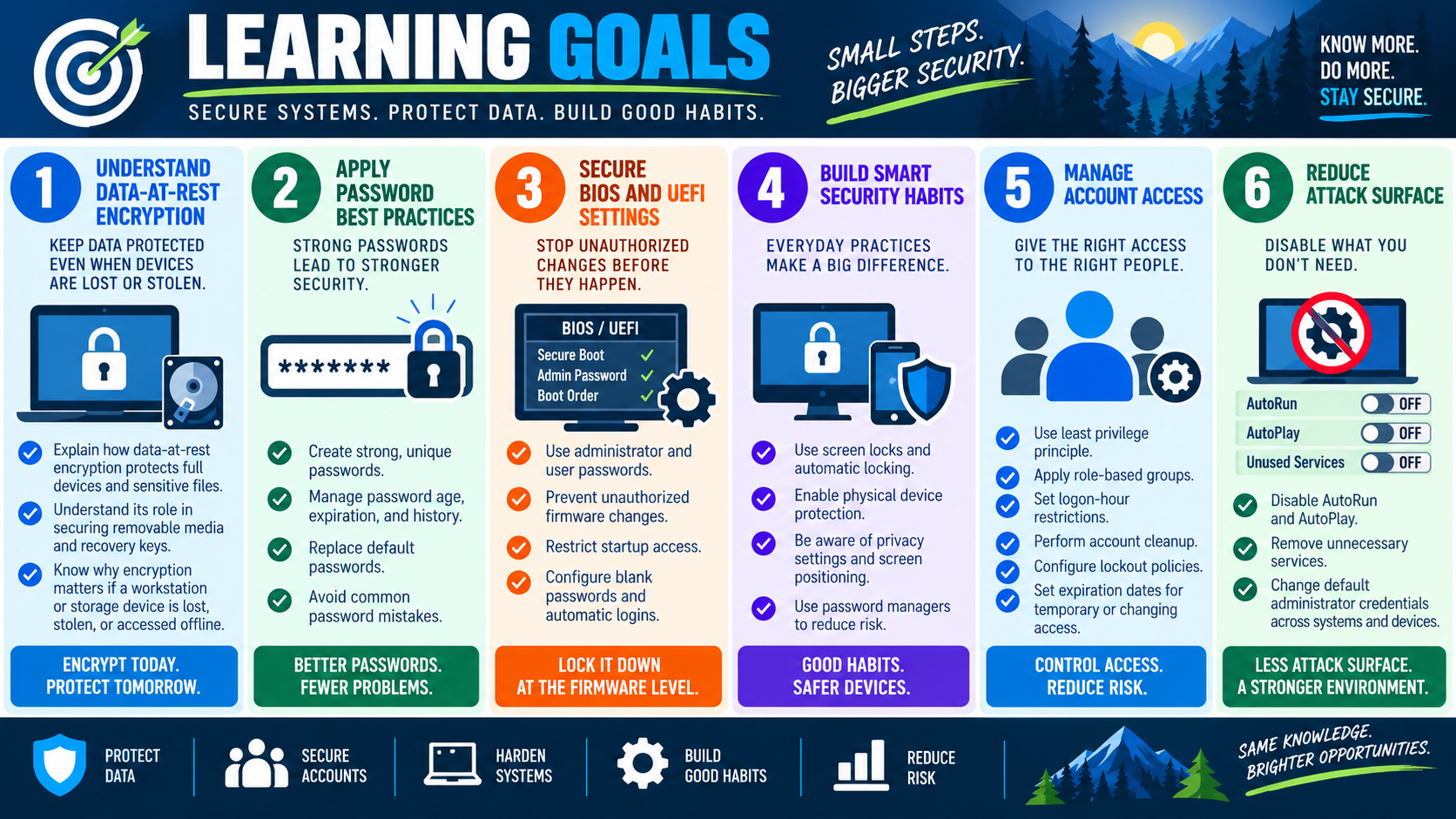
Data at rest encryption protects stored information when a device is powered off, lost, stolen, removed from the building, or accessed without authorization.
Workstation hardening starts with protecting the data that lives on the device. A laptop, desktop, external drive, USB flash drive, or SD card can contain business records, passwords, cached email, customer data, HR files, financial information, saved browser data, project documents, and personal information. If that device is lost or stolen, the operating system password alone may not be enough to protect the files. An attacker may remove the drive, boot another operating system, or connect the storage to another computer.
Encryption changes that risk. When data is encrypted, the information is unreadable without the correct key, password, recovery key, TPM-backed unlock process, or authorized account. The device may still be missing, but the data is much harder to expose. For Objective 2.7, the key idea is simple: if sensitive data is stored, it should be secured.
Encrypt the Entire Device
Full-disk encryption protects the whole operating system drive. Instead of encrypting only one document or one folder, it protects the operating system, applications, user profiles, temporary files, cached files, paging files, hibernation files, and stored documents together. This matters because sensitive data often appears in more places than users realize.
If a laptop is lost, full-disk encryption helps prevent offline attacks. Without encryption, someone may remove the drive and read files from another system. With encryption enabled, the drive contents remain protected unless the attacker can unlock the key. This is why full-disk encryption is especially important for mobile workstations, executives, field users, technicians, shared office devices, and any computer that stores regulated or confidential information.
Common full-disk encryption tools include BitLocker on Windows, FileVault on macOS, and LUKS on Linux. The specific tool depends on the operating system and organizational policy, but the security principle is the same: protect the whole device so stored data remains unreadable without authorization.
Full-disk encryption should be verified, not assumed. A technician should confirm encryption is enabled, confirm the correct drive is protected, check whether the device is fully encrypted or still encrypting, and verify that recovery information is stored safely. A checkbox that says encryption is available is not the same as a protected device.
Encrypt Specific Files and Folders
Sometimes a scenario calls for protecting only certain information. A workstation may store a sensitive finance folder, HR documents, legal files, password exports, tax records, or personal data that needs extra control. File and folder encryption can add protection for specific items without encrypting every drive in the same way.
File-level encryption is useful when sensitive data must be shared securely, stored in a specific directory, or protected separately from the rest of the system. For example, an accounting folder may need stronger access control than general documents. A technician should match the control to the data: broad device risk points to full-disk encryption, while extra-sensitive folders may justify file or folder encryption as an additional layer.
Be careful with file movement and sharing. Encrypted files may lose protection if copied to an unsupported location, exported incorrectly, emailed without protection, or moved to a file system that does not preserve encryption. Users should understand how encrypted files behave before relying on them for sensitive workflows.
Do Not Forget Removable Media
Removable media is easy to lose and easy to overlook. USB flash drives, external HDDs, external SSDs, SD cards, and portable storage devices often carry exactly the kind of data that should be protected: backups, exports, transfer files, reports, install packages, user profiles, or temporary project data. If removable media is unencrypted, losing the device can become a data breach.
External drives should be treated like sensitive endpoints. Use built-in encryption or trusted tools approved by the organization. BitLocker To Go is one example in Windows environments. The exact tool matters less than the control outcome: if portable media carries sensitive information, it should be encrypted and managed.
Removable media policy should also address when portable storage is allowed, what data may be copied, how drives are labeled, where they are stored, and what happens if one is lost. Encryption reduces impact, but it does not remove the need for good handling practices.
Back Up Encryption Keys
Encryption protects data by making it unreadable without a key. That also means losing the key can lock out legitimate users. No key, no access. A secure recovery plan is part of encryption, not an optional extra.
Recovery keys should be stored securely and separately from the device. In business environments, recovery keys may be backed up to Active Directory, Azure AD, an endpoint management platform, or another centralized key-management system. In smaller environments, the key may need to be stored in a password manager, secure vault, or documented recovery process approved by the owner.
Do not store the recovery key in the laptop bag with the encrypted laptop, on a sticky note attached to the device, or in an unprotected text file on the same computer. That defeats the purpose. Recovery keys must be accessible to authorized people when needed, but protected from everyone else.
Scenario Cues
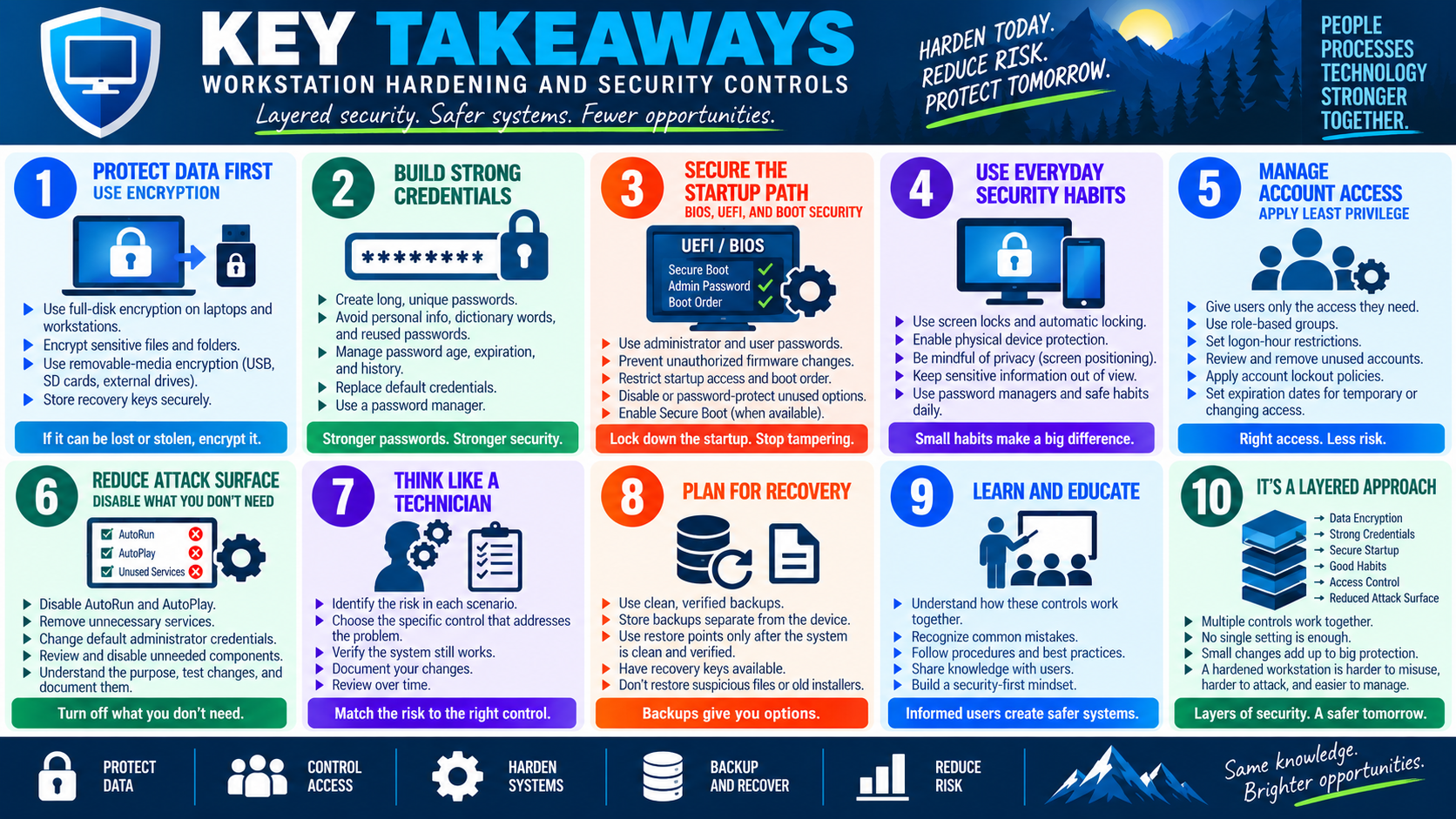
- Lost or stolen laptop: full-disk encryption protects stored data from offline access.
- Sensitive finance, HR, legal, or personal files: use file or folder encryption where extra protection is needed.
- USB drive or external disk used for transfers: encrypt removable media before storing sensitive information on it.
- User cannot unlock encrypted data: locate the recovery key through the approved key-management process.
- Recovery key stored with the device: move it to a secure, separate location because the current handling defeats the control.
- Enterprise environment: consider integration with Active Directory or centralized key management.
Exam Mindset
For Core 2, data-at-rest questions usually ask how to protect stored information if the device is lost, stolen, or accessed offline. The best answer is often encryption, especially full-disk encryption for entire devices and removable-media encryption for USB or external drives. If the question focuses on only a specific sensitive file set, file or folder encryption may be the better fit.
Watch for recovery-key clues. If the user or organization enables encryption but loses recovery keys, the data may be protected even from its rightful owner. A complete answer includes secure recovery key backup, not just turning encryption on.