Module 1 - Boot Methods
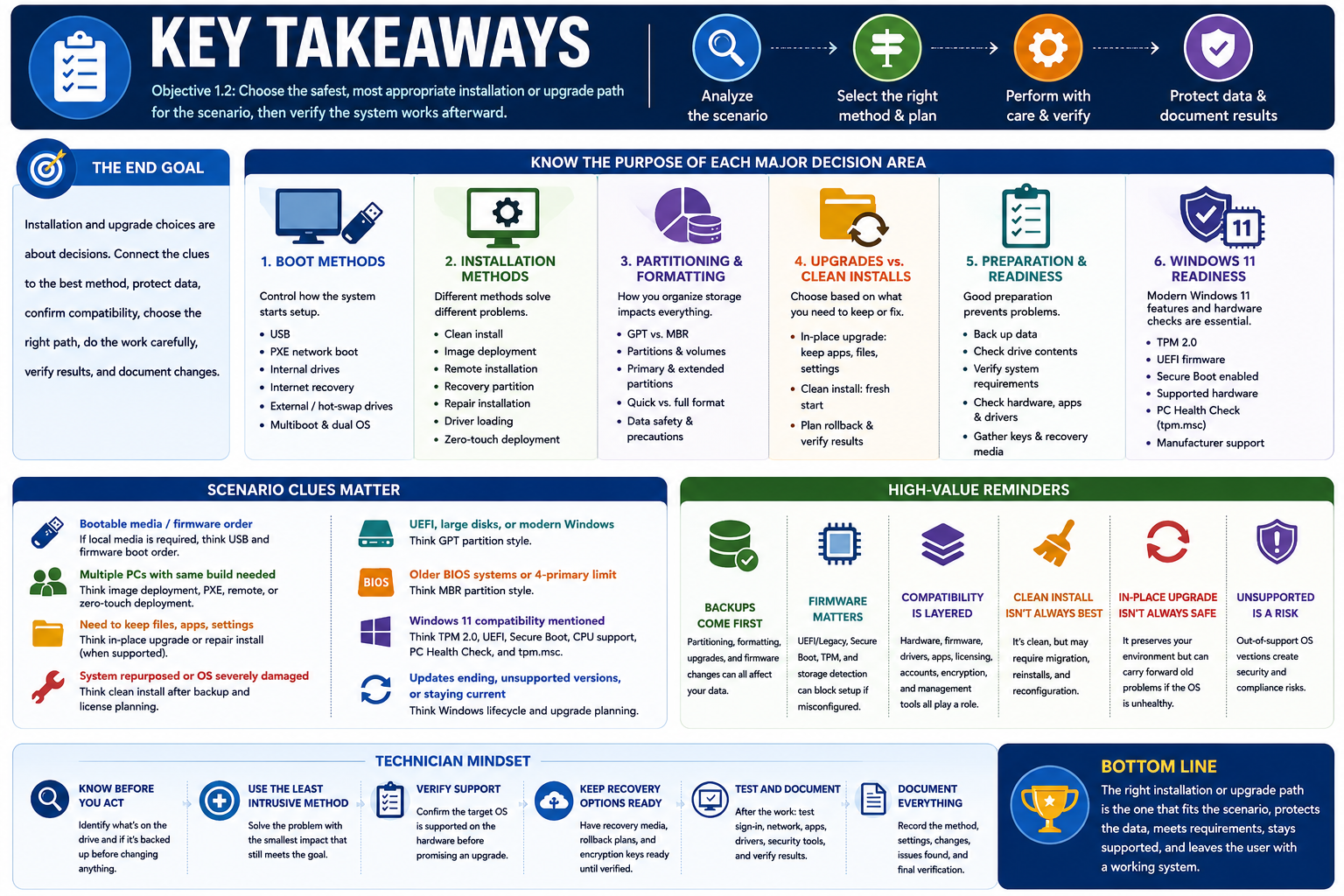
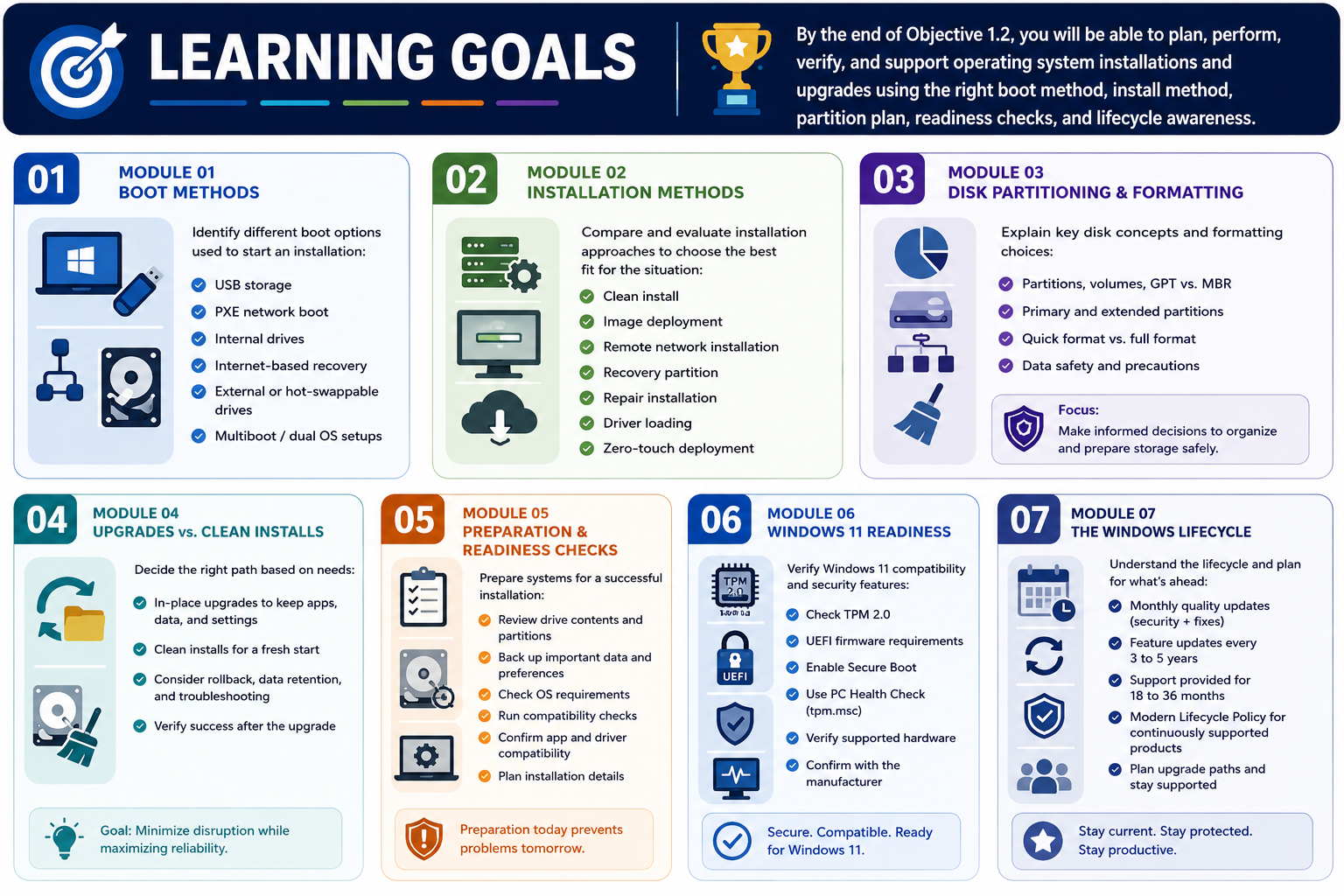
Boot methods are the different ways a computer can start from installation media, recovery tools, local storage, network services, or another operating system.
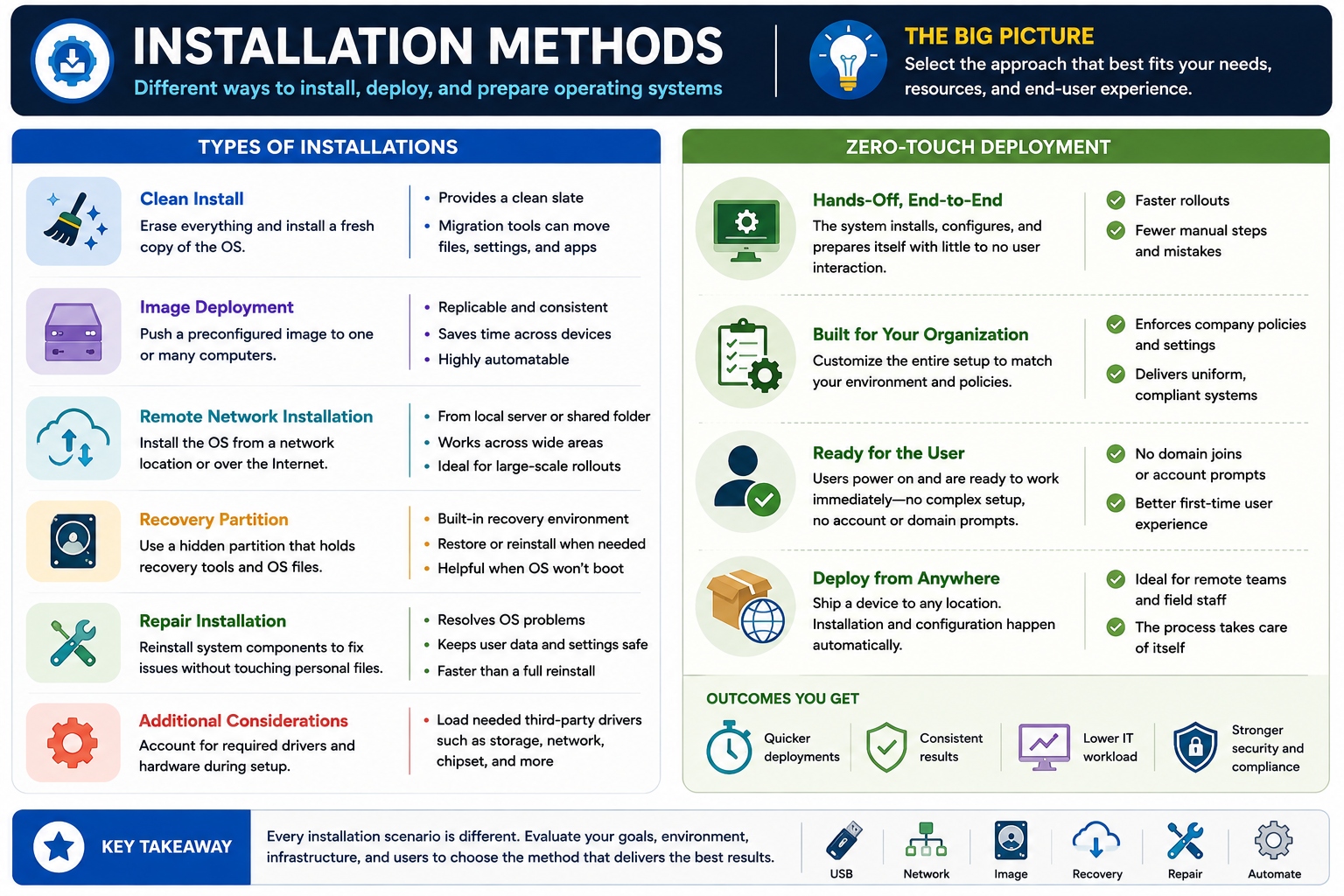
For Objective 1.2, installation does not begin when the setup wizard appears. It begins when the technician chooses how the system will boot. The boot method determines where the computer looks for startup files, which firmware settings must be enabled, what media or network services are required, and whether the installation can happen locally, remotely, over the internet, or from an existing drive.
Think of booting as the handoff between firmware and the operating system installer.
- USB storage: A bootable USB flash drive is one of the most common installation methods. It is portable, fast, reusable, and useful when the device has no optical drive. The firmware must be configured to allow USB boot, and the USB must be built correctly for the target system.
- PXE network boot: PXE, often pronounced "pixie," lets a computer boot across the network and receive installation or imaging instructions from deployment services. The computer, firmware, network adapter, DHCP environment, and deployment server must all support the process.
- Solid-state or hard drives: Internal SSDs and hard drives may store operating system installation files, recovery partitions, or deployment images. A technician may install to a separate drive, boot from a prepared internal drive, or use a local recovery environment.
- Internet-based boot or recovery: Some systems can install or recover an OS through online services. Examples include Linux distribution installers, macOS Recovery, cloud recovery options, and Windows update or recovery workflows.
- External or hot-swappable drives: External USB storage, removable drives, and certain hot-swappable storage setups can be used for installation media, recovery images, or ISO-based workflows when supported by firmware and hardware.
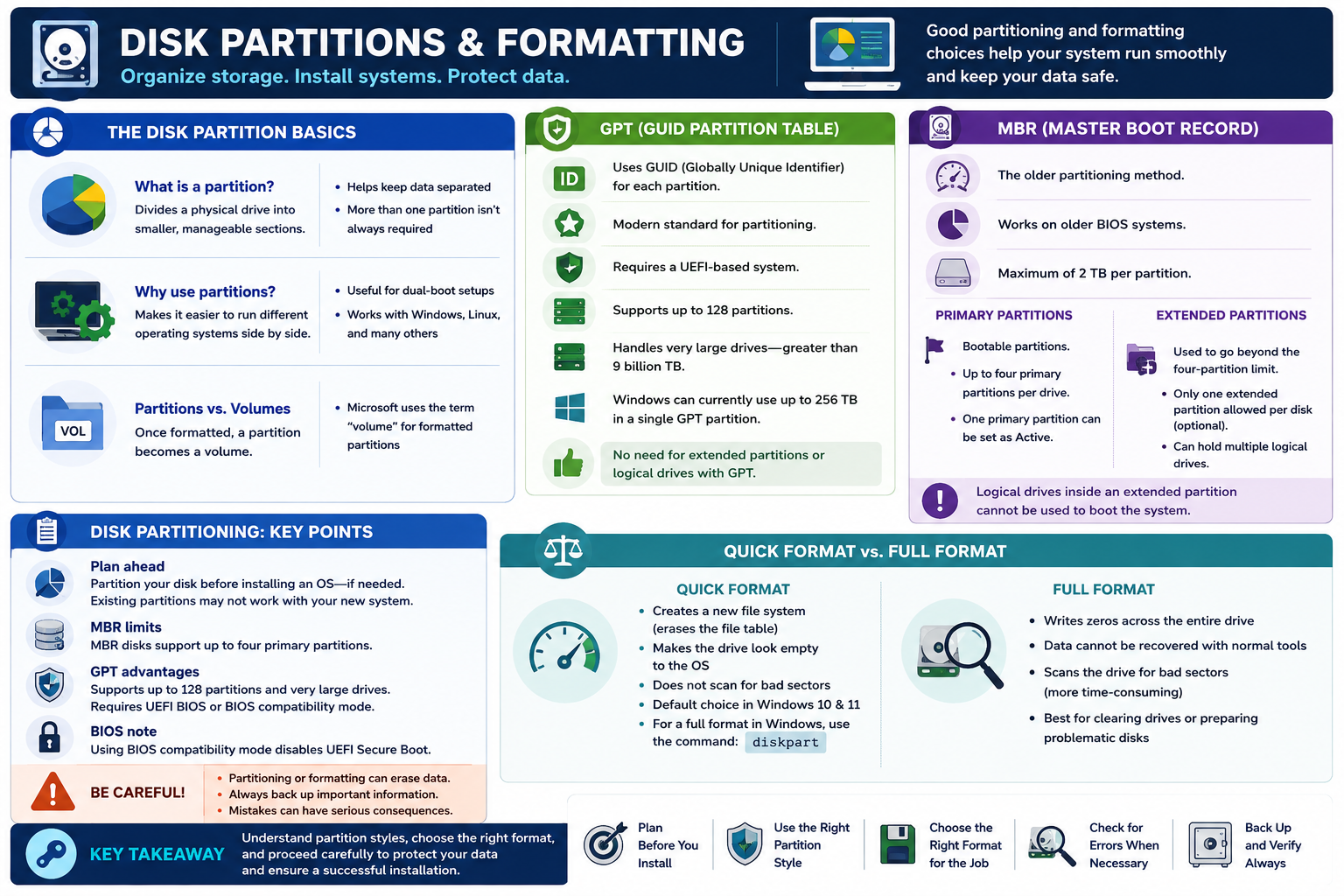
- Multiboot: A multiboot system lets a user choose between two or more operating systems at startup, such as Windows and Linux. This requires careful partitioning, bootloader configuration, and data-protection planning.
The most common mistake is assuming the installer is the problem when the system never actually booted into the installer. If the firmware boot order points to the internal drive first, the system may skip the USB drive entirely. If Secure Boot blocks unsigned or unsupported media, the installer may fail before loading. If PXE is disabled, the network deployment option may never appear. If the system is configured for UEFI but the media was built for legacy BIOS, the boot device may not show up as expected.
Common boot-method scenario clues:
- No optical drive or quick local install: Use bootable USB media.
- Many computers need the same image: Consider PXE or another network deployment method.
- System recovery without local media: Consider internet-based recovery, vendor recovery, or cloud recovery options.
- Installer files stored locally: Look for internal recovery partitions, local installation files, or a prepared internal drive.
- External media is attached but ignored: Check boot order, one-time boot menu, USB boot support, Secure Boot, and UEFI/legacy compatibility.
- User chooses Windows or Linux at startup: Think multiboot and bootloader configuration.
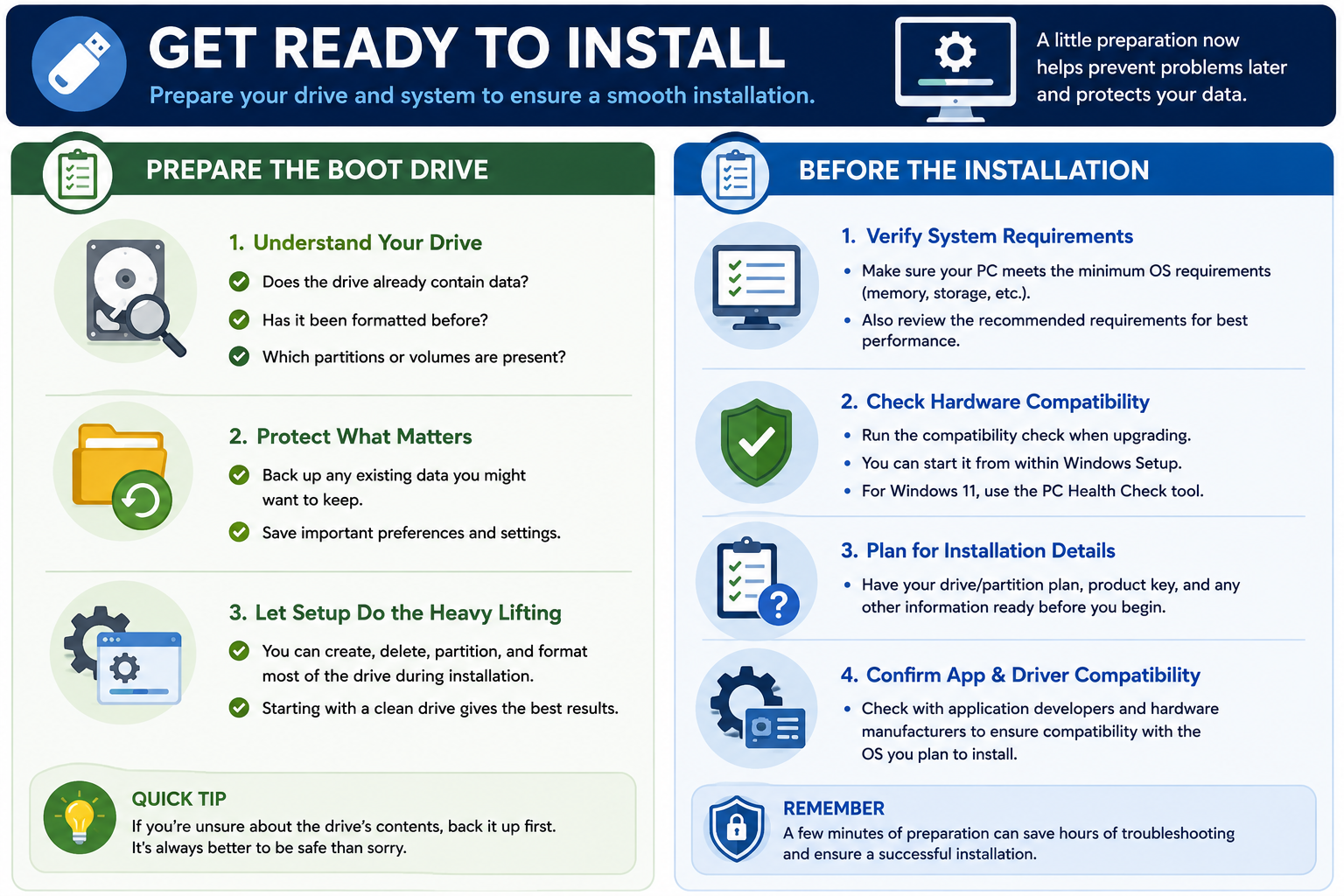
Exam tip: Before blaming installation media, verify firmware settings. Check boot order, UEFI versus legacy mode, Secure Boot, TPM requirements, USB boot, PXE support, storage detection, and whether the target drive is visible.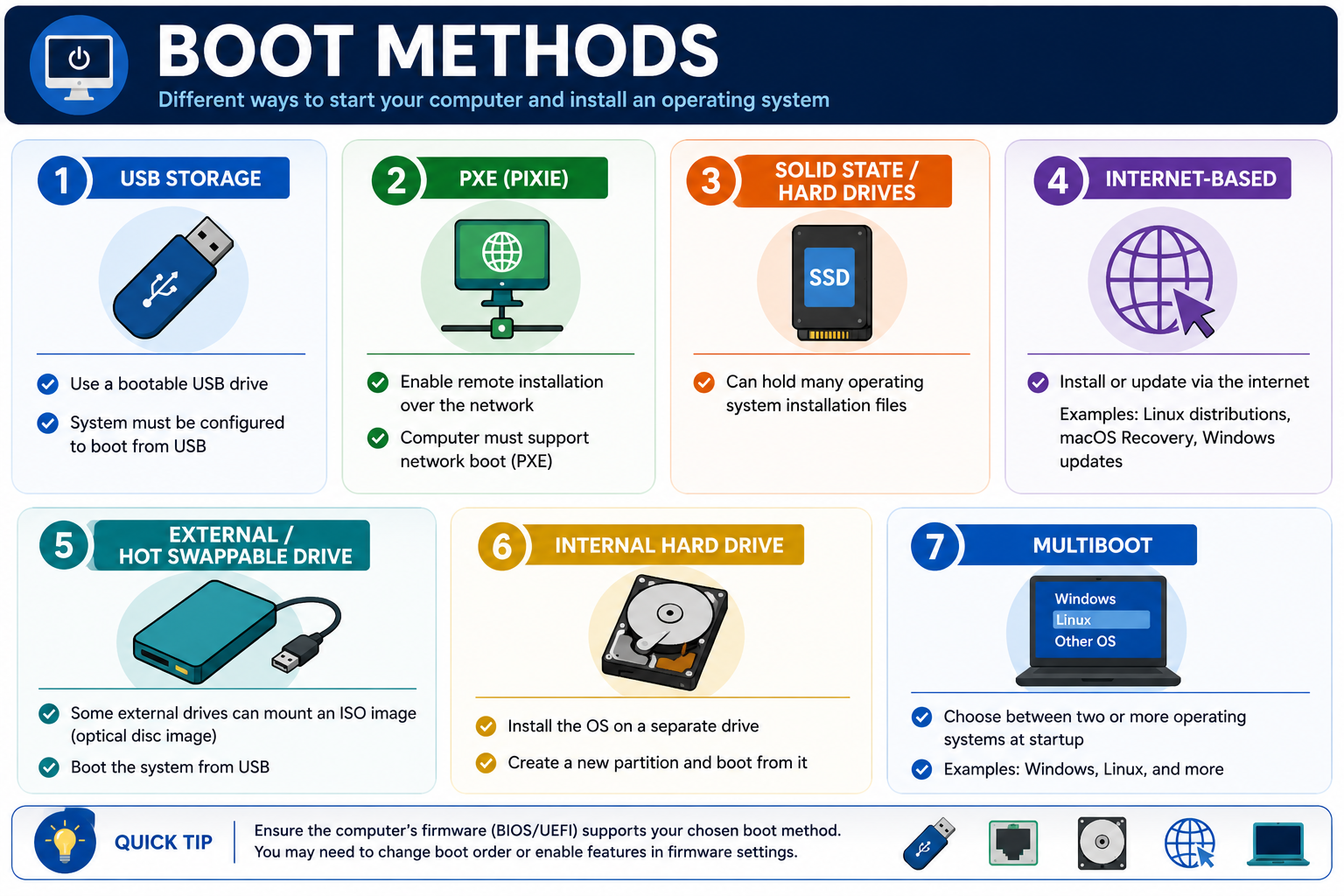
Technician mindset:
- Use the one-time boot menu when you need to test a boot device without permanently changing the boot order.
- Confirm the USB installer was created for the correct OS, architecture, partition style, and boot mode.
- For PXE, verify network link, DHCP scope, boot server availability, VLAN access, and whether network boot is enabled in firmware.
- Before using internet recovery, verify network connectivity, power, account requirements, vendor support, and whether the device is still eligible for recovery services.
- Before installing to or booting from an internal drive, confirm the target drive is detected, healthy, partitioned correctly, and backed up if user data exists.
- Before configuring multiboot, plan partitions, bootloader order, encryption, backups, time synchronization, and how the user will recover if one OS breaks the bootloader.
Bottom line: The correct boot method is the one the firmware supports, the technician can verify, and the installation scenario actually requires.